
Agent Studio
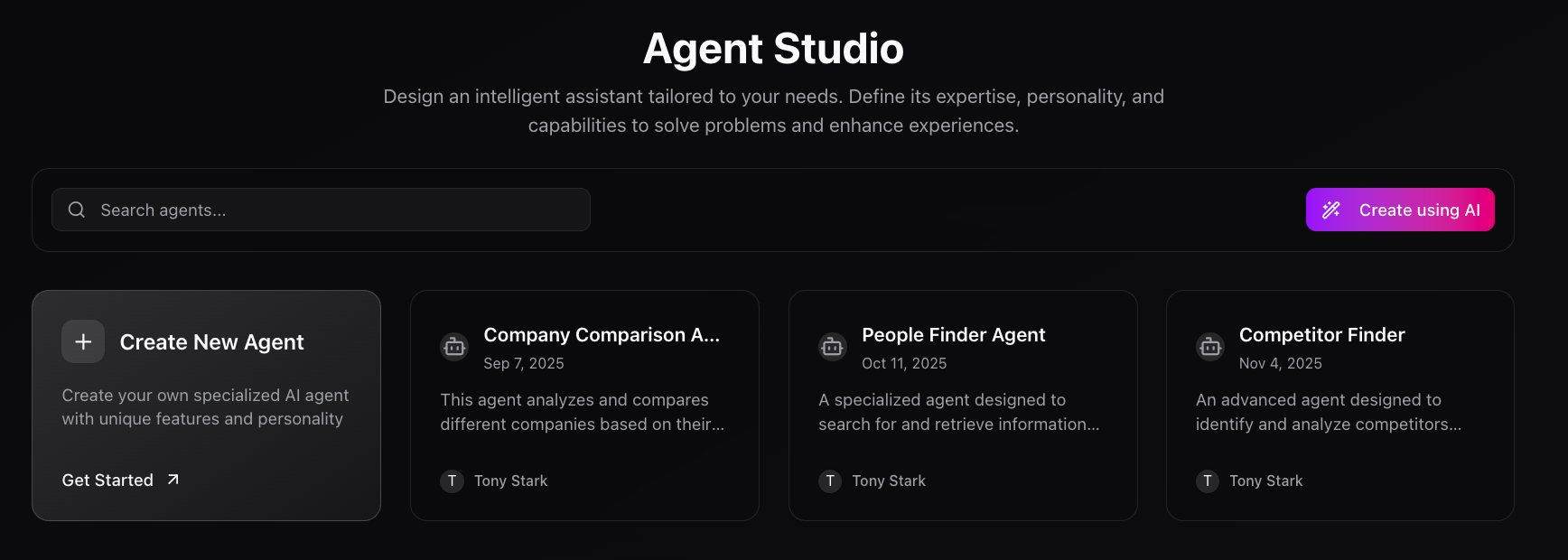
Design and deploy intelligent agents customized to your workflows, expertise, and brand.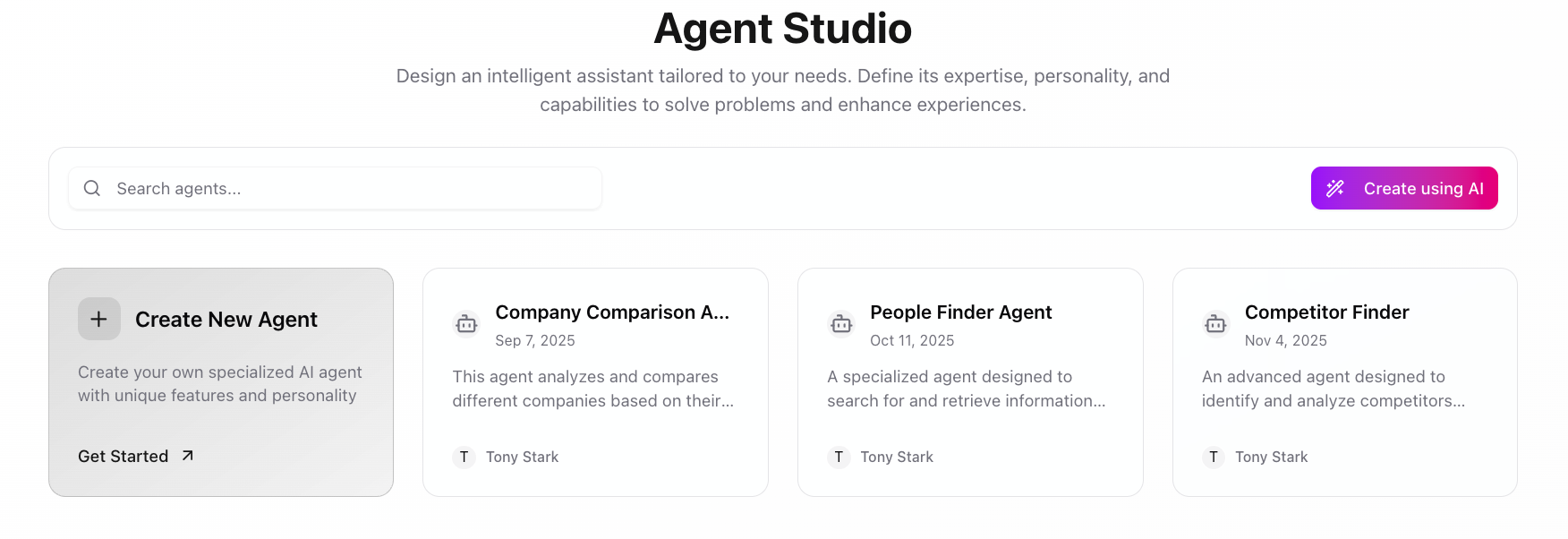
Overview
Agent Studio empowers you to build specialized autonomous assistants using configurable skills, memory, and integrations.Create Your Agent
Start a New Project
- Open Agent Studio → Create New Agent.
- Describe the agent name, goals, target persona, and sample prompts.
- Use Create using AI ✨ to auto-fill starter content.
Add Capabilities
- Attach core Skills such as Web Search or Data Fetch.
- Connect MCP integrations (email, CRM, calendar, internal APIs).
- Layer workflows or automation blocks for multi-step tasks.
Use Cases
- Company Comparison
- People Finder
- SEO Blog Writer
- Brand Monitor
Collects company data across the web and highlights differences at a glance.
- Pulls in funding, headcount, and tech stack insights.
- Summarizes findings into executive-ready briefs.
- Triggers alerts when key metrics change.
🛠️ Agent Structure
Profile
Profile
Identity, tone, and behavioral rules that define your agent’s voice.
Tools
Tools
Actions the agent can execute — APIs, workflows, automations, and custom MCP skills.
Memory
Memory
Long-term context, preferences, and conversation history for personalization.
Safety
Safety
Guardrails, permissions, and escalation settings that keep responses on-policy.
Integrations
Integrations
Connections to CRMs, calendars, knowledge bases, and internal services.
Example Configuration
Security & Control
- Fine-grained permissions per agent and team.
- Scoped access to business data and integrations.
- Complete activity logs for audits and compliance.
- Agents operate only within authorized boundaries.
Coming Soon
- ✅ Agent marketplace
- ✅ Analytics dashboard
- ✅ Voice mode
- ✅ Agent-to-agent collaboration
- ✅ Autonomous execution mode
FAQ
Do agents run autonomously?
Do agents run autonomously?
Yes. Combine triggers, guardrails, and workflows to allow safe autonomous execution.
Can I integrate internal APIs?
Can I integrate internal APIs?
Absolutely — register secure MCP tools or custom connectors to expose internal services.
Is coding required?
Is coding required?
No. Everything works through the UI, though developers can extend agents with code when needed.