> ## Documentation Index
> Fetch the complete documentation index at: https://docs.dume.ai/llms.txt
> Use this file to discover all available pages before exploring further.
# Trigger Node
> Start workflows automatically via schedules, integration events, or webhooks. Complete guide to workflow triggers and automation timing in Dume.ai.
 # Using the Trigger Node
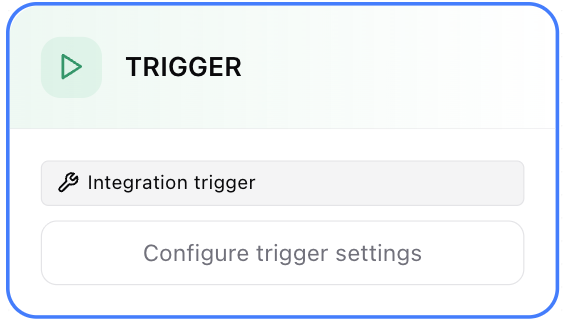
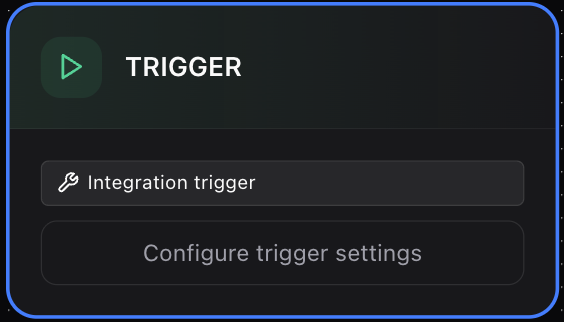
The Trigger Node starts a workflow without manual chat input. It listens for time-based schedules, external integration events, or incoming webhooks and then injects mapped data into downstream nodes.
You can define multiple trigger configurations (e.g., a daily schedule plus a webhook). Only active (enabled) triggers fire. Incoming payload fields are mapped to workflow input variables, enabling fully automated runs.
# Using the Trigger Node
The Trigger Node starts a workflow without manual chat input. It listens for time-based schedules, external integration events, or incoming webhooks and then injects mapped data into downstream nodes.
You can define multiple trigger configurations (e.g., a daily schedule plus a webhook). Only active (enabled) triggers fire. Incoming payload fields are mapped to workflow input variables, enabling fully automated runs.
 ## Configuration Panel
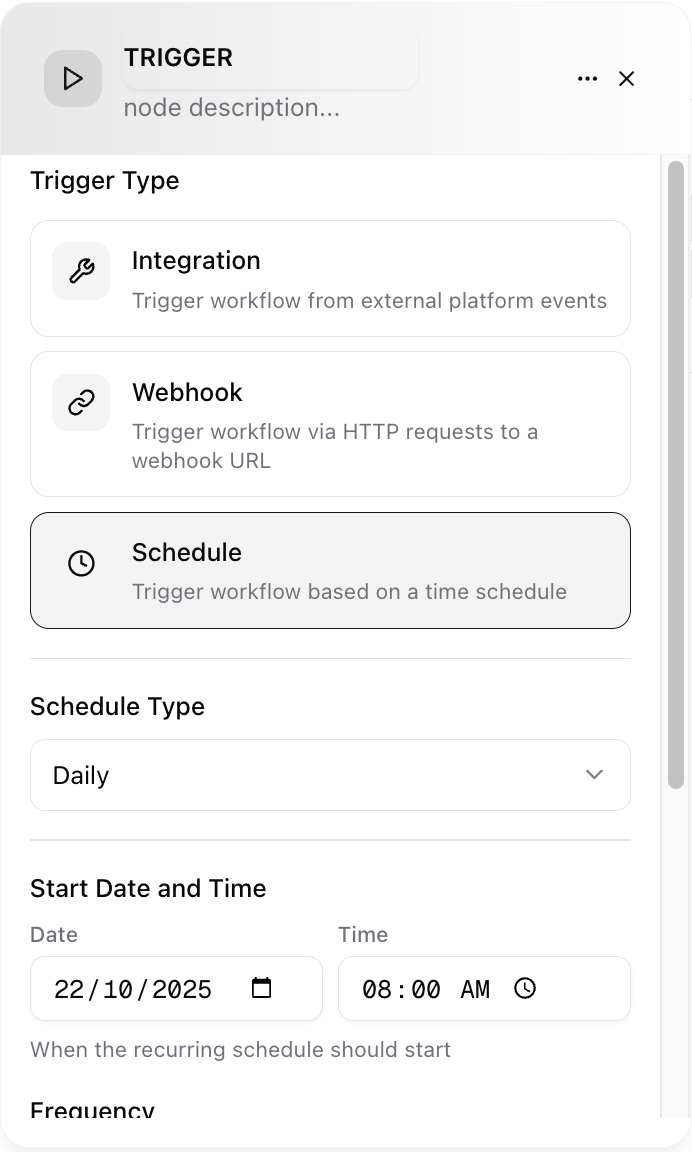
The Trigger Node configuration is organized into sections:
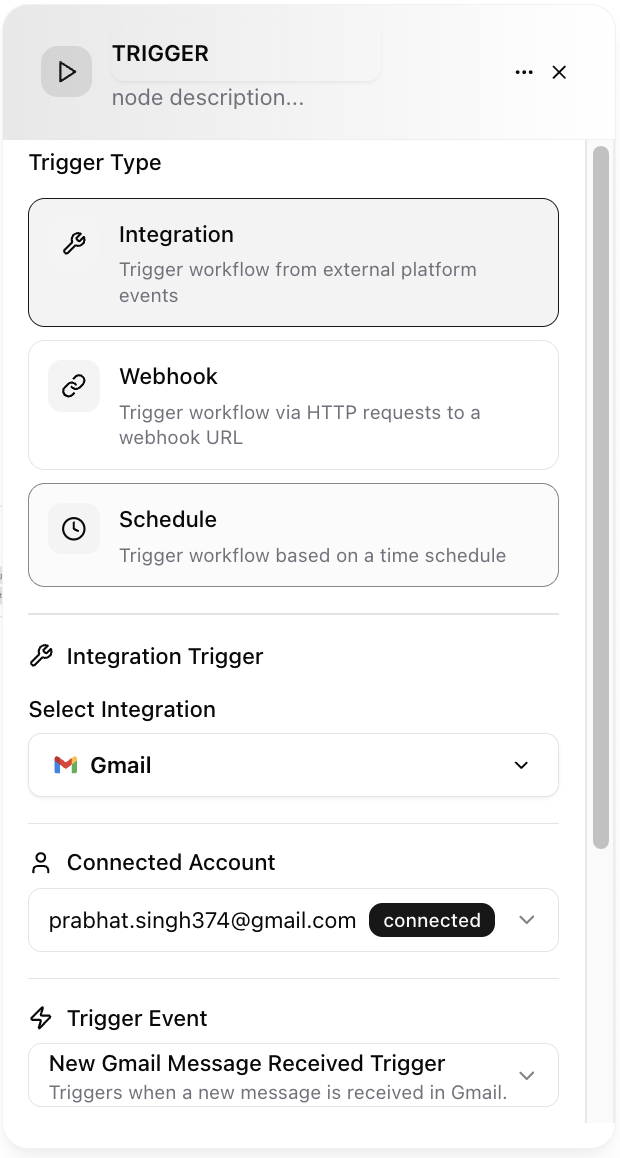
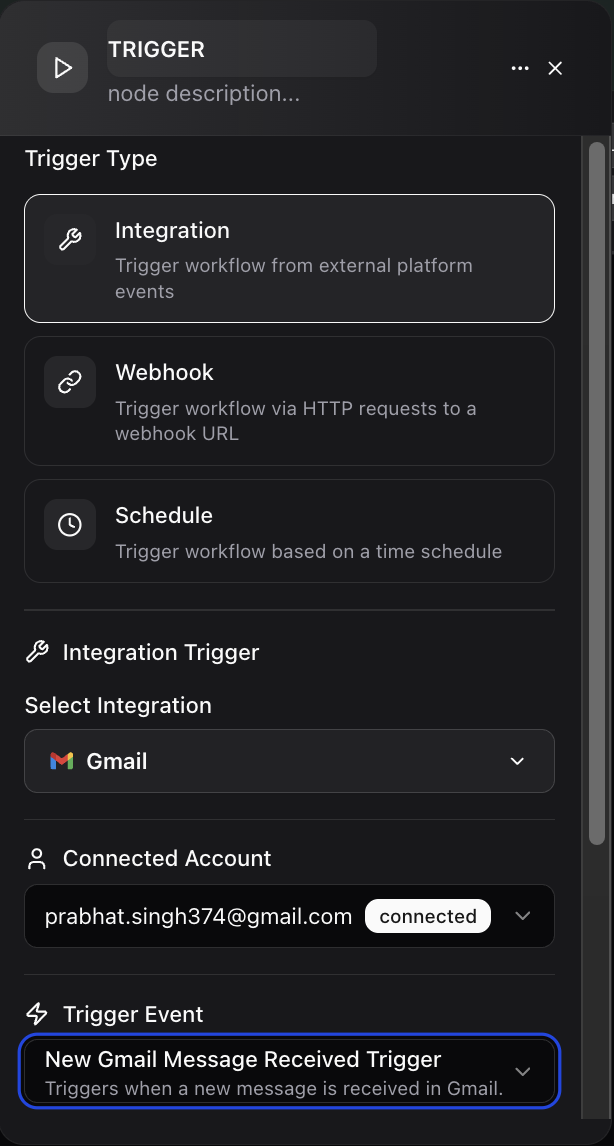
Runs when a connected tool emits an event.
* Source Integration: e.g. Gmail, Calendar, GitHub, Jira.
* Event Type: email\_received, new\_issue, meeting\_created, workflow\_failed, etc.
## Configuration Panel
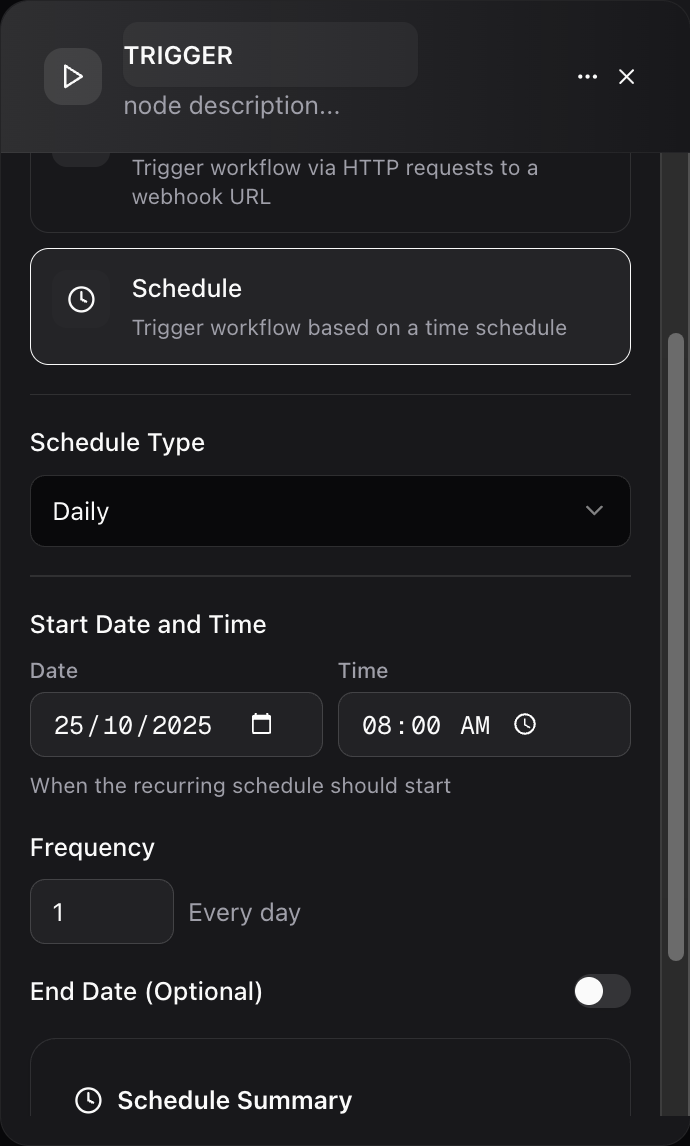
The Trigger Node configuration is organized into sections:
Runs when a connected tool emits an event.
* Source Integration: e.g. Gmail, Calendar, GitHub, Jira.
* Event Type: email\_received, new\_issue, meeting\_created, workflow\_failed, etc.
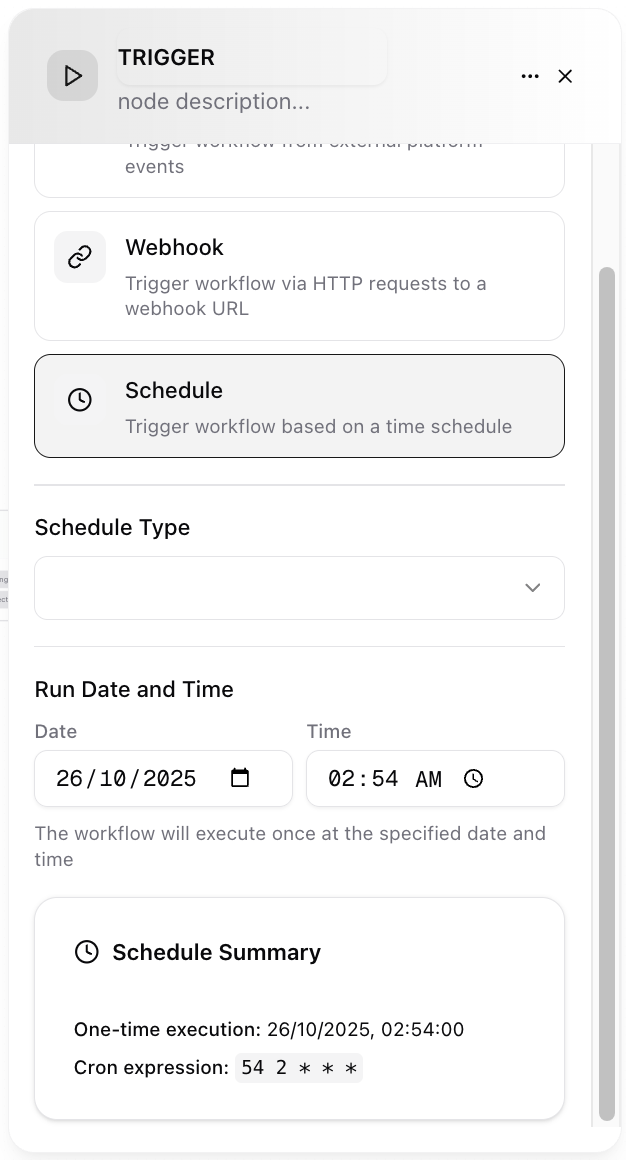
 Defines time-based execution.
* Frequency: once, interval (every 15m), daily, weekly, monthly.
* Cron Expression (advanced): e.g. `0 8 * * 1-5` (8 AM weekdays).
* Timezone: ensures consistent execution across regions.
* Start / End (optional): limit active window.
* Skip Holidays (optional list): provide ISO dates to skip.
Defines time-based execution.
* Frequency: once, interval (every 15m), daily, weekly, monthly.
* Cron Expression (advanced): e.g. `0 8 * * 1-5` (8 AM weekdays).
* Timezone: ensures consistent execution across regions.
* Start / End (optional): limit active window.
* Skip Holidays (optional list): provide ISO dates to skip.
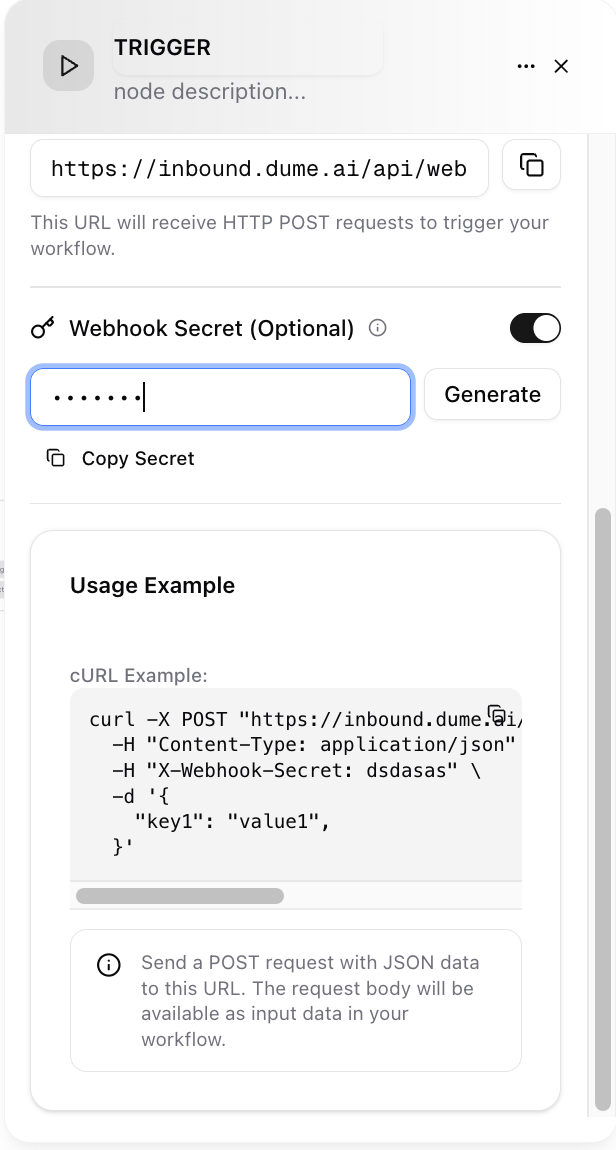
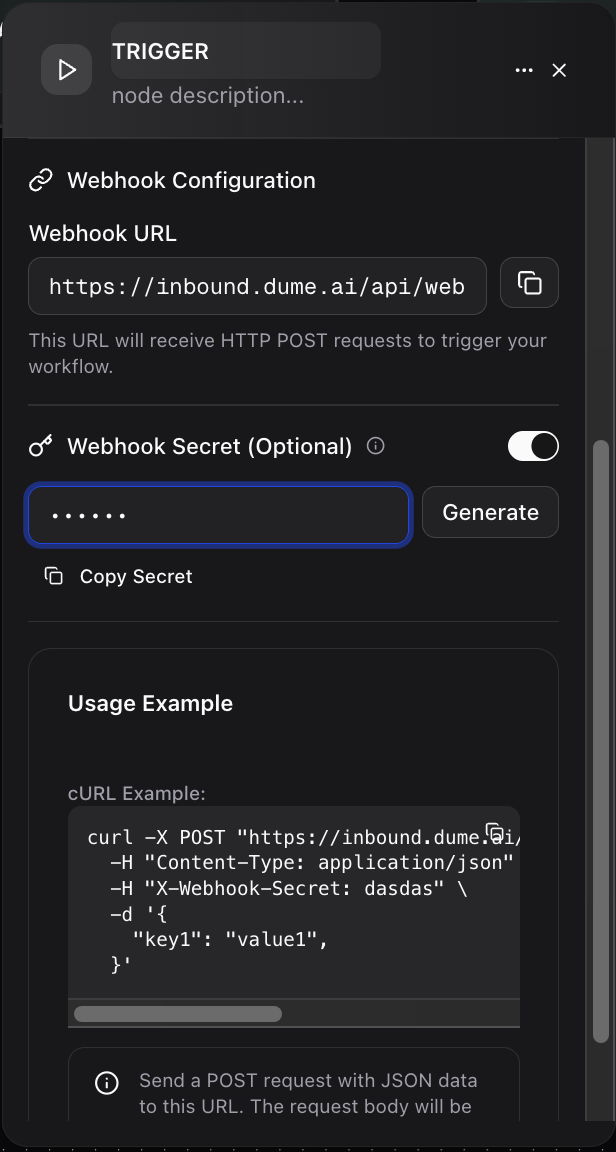
 External systems can call the POST API to trigger the workflow. Below are the parameter required:
* Endpoint URL: auto-generated.
* Shared Secret: required header or HMAC signature.
* Allowed IPs (optional): restrict origin.
* Payload Schema: declare expected fields.
* Validation: reject malformed requests.
External systems can call the POST API to trigger the workflow. Below are the parameter required:
* Endpoint URL: auto-generated.
* Shared Secret: required header or HMAC signature.
* Allowed IPs (optional): restrict origin.
* Payload Schema: declare expected fields.
* Validation: reject malformed requests.
 ## Examples in Practice
* Type: Schedule (08:00 daily)
* Maps: kpi\_revenue, kpi\_churn from external analytics endpoint (via later Tool Node)
* Flow: Trigger → Tool Node (fetch KPIs) → LLM Node (summarize) → Output
* Type: Integration Event (Calendar: meeting\_created)
* Filter: duration >= 30m AND attendee\_count > 2
* Maps: title, start\_time, attendees
* Flow: Trigger → Delay (1h) → LLM summary → Send recap
* Type: Integration Event (Jira: issue\_created)
* Filter: priority=High OR labels contains "security"
* Maps: issue\_key, summary, priority
* Flow: Trigger → Condition (priority) → LLM (draft Slack alert) → Tool (post Slack)
* Type: Webhook (POST from CI)
* Payload: serviceName, version, status, metrics
* Flow: Trigger → LLM (generate release note) → Store in Docs
* Type: Integration Event (GitHub: pull\_request\_opened)
* Filter: base\_branch=main AND lines\_changed > 500
* Flow: Trigger → LLM (summarize changes) → Tool (request reviewers)
## Best Practices
| Goal | Tip |
| --------------- | -------------------------------------- |
| Noise reduction | Use filters and dedup window |
| Reliability | Set retry with exponential backoff |
| Clarity | Name mapped variables consistently |
| Safety | Start read-only; add write nodes later |
| Scaling | Monitor run volume; adjust caps |
## Troubleshooting
| Issue | Fix |
| --------------------- | --------------------------------------------- |
| Trigger not firing | Confirm enabled, time zone, cron syntax |
| Duplicate runs | Adjust dedup window or filters |
| Missing payload field | Verify mapping and incoming field name |
| Webhook rejected | Check secret, content-type, schema |
| Excess volume | Lower max runs per interval or refine filters |
## Sample Flow
```
Trigger (Calendar meeting_created, filter: internal only)
Delay 30m
LLM summarize discussion template
Tool send Slack recap
Output final summary object
```
Trigger Node configured. Workflow will run automatically when conditions are met.
## Examples in Practice
* Type: Schedule (08:00 daily)
* Maps: kpi\_revenue, kpi\_churn from external analytics endpoint (via later Tool Node)
* Flow: Trigger → Tool Node (fetch KPIs) → LLM Node (summarize) → Output
* Type: Integration Event (Calendar: meeting\_created)
* Filter: duration >= 30m AND attendee\_count > 2
* Maps: title, start\_time, attendees
* Flow: Trigger → Delay (1h) → LLM summary → Send recap
* Type: Integration Event (Jira: issue\_created)
* Filter: priority=High OR labels contains "security"
* Maps: issue\_key, summary, priority
* Flow: Trigger → Condition (priority) → LLM (draft Slack alert) → Tool (post Slack)
* Type: Webhook (POST from CI)
* Payload: serviceName, version, status, metrics
* Flow: Trigger → LLM (generate release note) → Store in Docs
* Type: Integration Event (GitHub: pull\_request\_opened)
* Filter: base\_branch=main AND lines\_changed > 500
* Flow: Trigger → LLM (summarize changes) → Tool (request reviewers)
## Best Practices
| Goal | Tip |
| --------------- | -------------------------------------- |
| Noise reduction | Use filters and dedup window |
| Reliability | Set retry with exponential backoff |
| Clarity | Name mapped variables consistently |
| Safety | Start read-only; add write nodes later |
| Scaling | Monitor run volume; adjust caps |
## Troubleshooting
| Issue | Fix |
| --------------------- | --------------------------------------------- |
| Trigger not firing | Confirm enabled, time zone, cron syntax |
| Duplicate runs | Adjust dedup window or filters |
| Missing payload field | Verify mapping and incoming field name |
| Webhook rejected | Check secret, content-type, schema |
| Excess volume | Lower max runs per interval or refine filters |
## Sample Flow
```
Trigger (Calendar meeting_created, filter: internal only)
Delay 30m
LLM summarize discussion template
Tool send Slack recap
Output final summary object
```
Trigger Node configured. Workflow will run automatically when conditions are met.