> ## Documentation Index
> Fetch the complete documentation index at: https://docs.dume.ai/llms.txt
> Use this file to discover all available pages before exploring further.
# Template Node
> A practical guide for generating dynamic documents, reports, and emails by combining text with data from previous nodes.
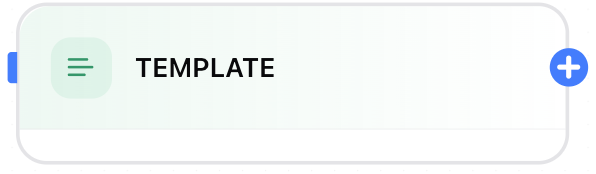
 The **Template Node** allows you to create **dynamic, formatted content** in your Dume AI workflow. By combining static text with variables and outputs from earlier nodes, you can generate personalized emails, reports, summaries, and more—automatically and at scale.
 ## Key Functions
* **Dynamic Text Generation:** Insert data from previous workflow steps into custom text templates.
* **Versatile Output:** Create human-readable emails, multi-section reports, notifications, or formatted API payloads.
* **Automation Ready:** Chain with LLM nodes, inputs, code, or API calls for fully automated document creation.
## How It Works
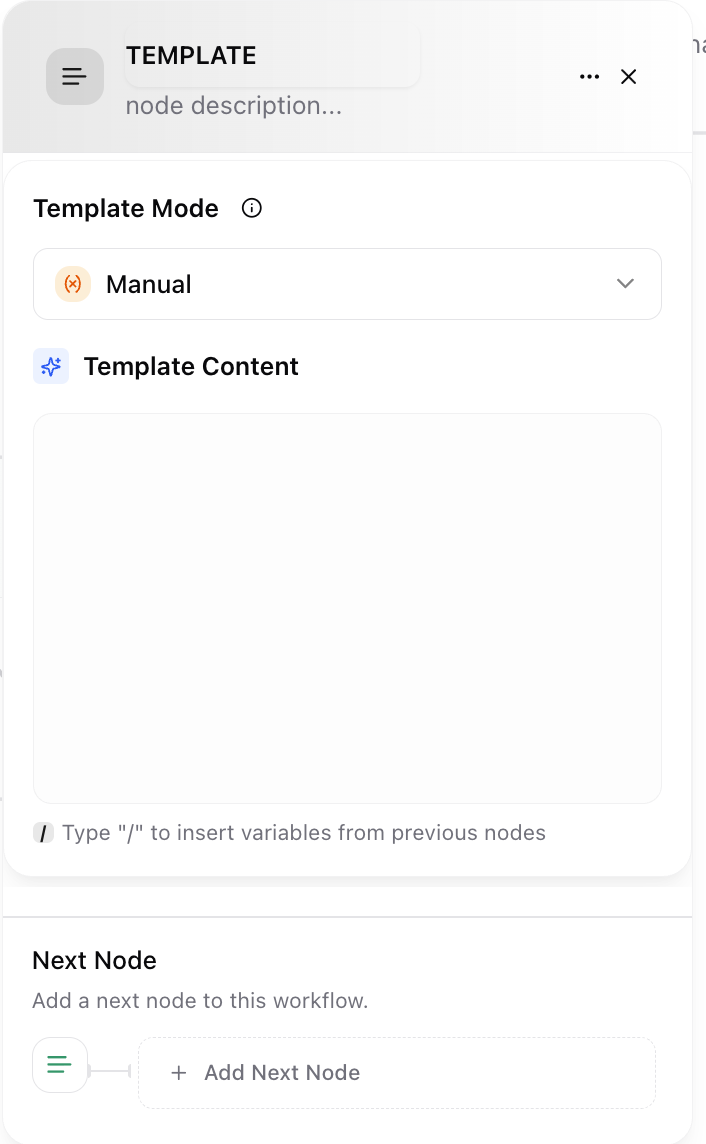
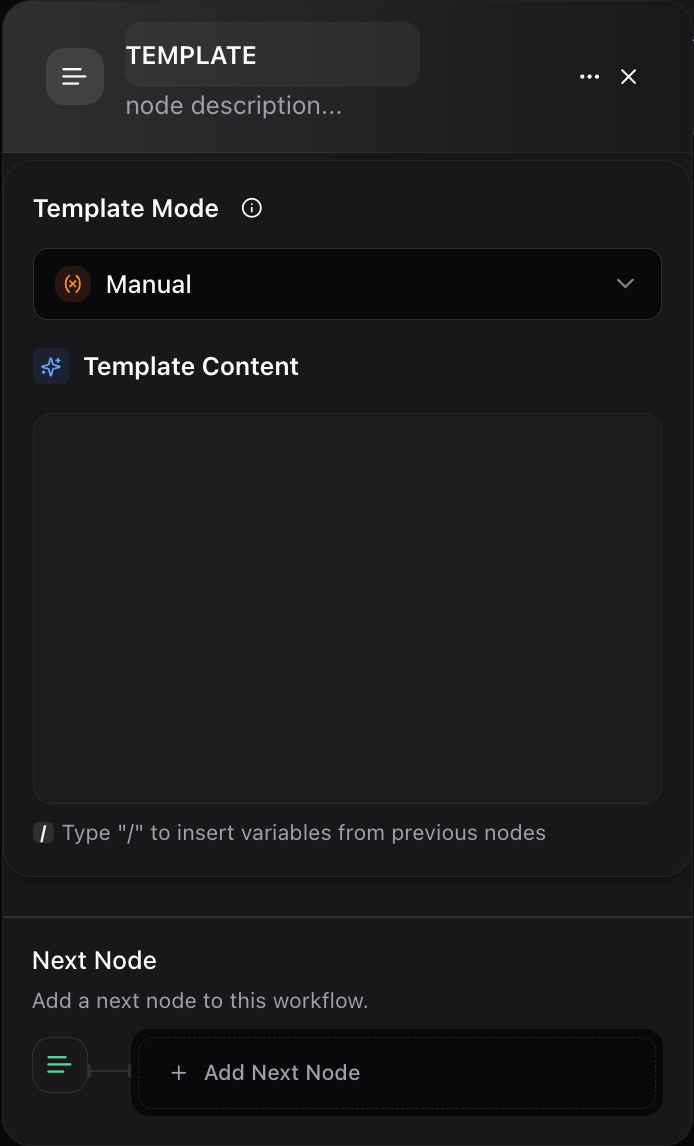
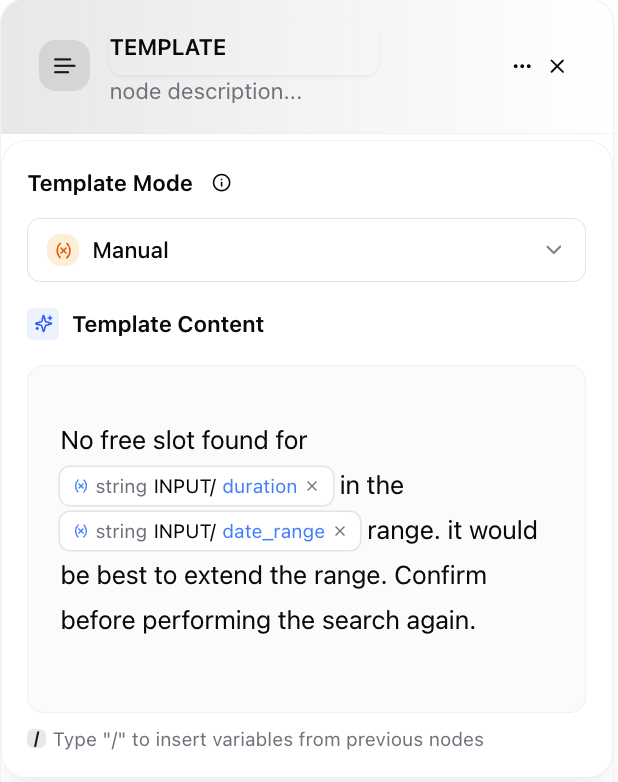
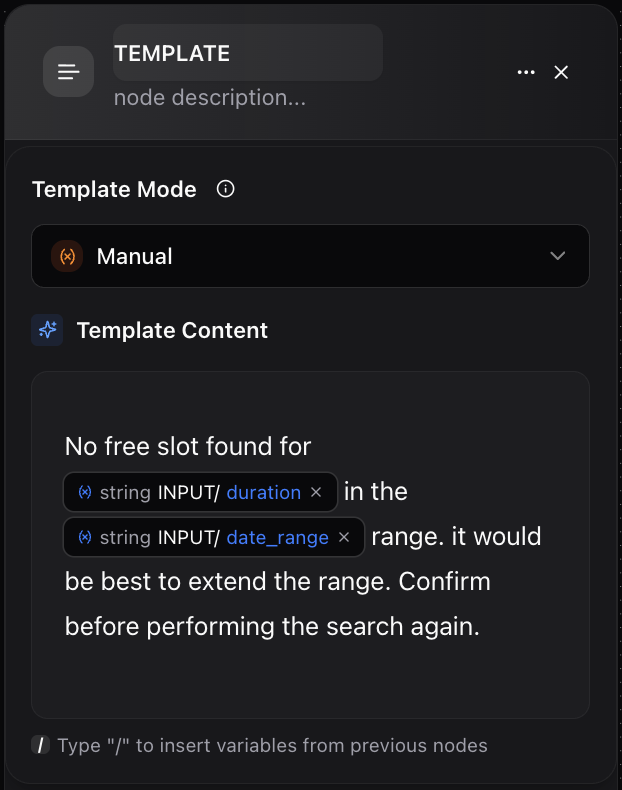
* **Content Field:** Write your template using freeform text. Type **"/"** to reference and insert any output from previous nodes—turning workflow data into a polished document.
* **Variable Substitution:** As the workflow runs, placeholders are replaced with actual values from your process.
* **No-Code Setup:** Simple interface means you don’t need advanced coding experience.
## Key Functions
* **Dynamic Text Generation:** Insert data from previous workflow steps into custom text templates.
* **Versatile Output:** Create human-readable emails, multi-section reports, notifications, or formatted API payloads.
* **Automation Ready:** Chain with LLM nodes, inputs, code, or API calls for fully automated document creation.
## How It Works
* **Content Field:** Write your template using freeform text. Type **"/"** to reference and insert any output from previous nodes—turning workflow data into a polished document.
* **Variable Substitution:** As the workflow runs, placeholders are replaced with actual values from your process.
* **No-Code Setup:** Simple interface means you don’t need advanced coding experience.
 ## Example Use Cases
* **Email Generation:**\
Example template:
*
* `# Hi {INPUT/user_name}, Your support request (ID: {INPUT/ticket_id}) has been {LLM_Node/status_update}. Regards, The Support Team `
* **Report Creation:**\
Example template:
* `# Weekly Sales Report for {INPUT/report_date} Total Sales: {HTTP_SALES_NODE/total_sales} Top Product: {HTTP_SALES_NODE/top_product} Comments: {LLM_NODE/summary} `
* **Notifications:**\
Example template:
`Task "{INPUT/task_name}" assigned to {INPUT/assignee} is due on {INPUT/due_date}. `
## User Interface Overview
* **Description Area:** Summarize the template’s purpose and data sources for team clarity.
* **Content Editor:** Type or paste your formatted template. Reference data with **"/"** to see a list of available variables.
* **Variable List:** Track which data points are used, ensuring completeness.
* **Next Node:** Pass the generated document to output, send via email, or push to another service.
## Best Practices
* **Preview your content** before deployment to verify all variables resolve properly.
* **Name your variables clearly** in earlier nodes for easy reference.
* **Chain Template Nodes** for layered document building (e.g., one for headers, one for detailed tables).
* **Document the template’s logic** in the node’s description so your team can collaborate confidently.
The **Template Node** is the finishing touch that brings together data and narrative—transforming automated data flows into professional, ready-to-use documents, notifications, or communications.
## Example Use Cases
* **Email Generation:**\
Example template:
*
* `# Hi {INPUT/user_name}, Your support request (ID: {INPUT/ticket_id}) has been {LLM_Node/status_update}. Regards, The Support Team `
* **Report Creation:**\
Example template:
* `# Weekly Sales Report for {INPUT/report_date} Total Sales: {HTTP_SALES_NODE/total_sales} Top Product: {HTTP_SALES_NODE/top_product} Comments: {LLM_NODE/summary} `
* **Notifications:**\
Example template:
`Task "{INPUT/task_name}" assigned to {INPUT/assignee} is due on {INPUT/due_date}. `
## User Interface Overview
* **Description Area:** Summarize the template’s purpose and data sources for team clarity.
* **Content Editor:** Type or paste your formatted template. Reference data with **"/"** to see a list of available variables.
* **Variable List:** Track which data points are used, ensuring completeness.
* **Next Node:** Pass the generated document to output, send via email, or push to another service.
## Best Practices
* **Preview your content** before deployment to verify all variables resolve properly.
* **Name your variables clearly** in earlier nodes for easy reference.
* **Chain Template Nodes** for layered document building (e.g., one for headers, one for detailed tables).
* **Document the template’s logic** in the node’s description so your team can collaborate confidently.
The **Template Node** is the finishing touch that brings together data and narrative—transforming automated data flows into professional, ready-to-use documents, notifications, or communications.