> ## Documentation Index
> Fetch the complete documentation index at: https://docs.dume.ai/llms.txt
> Use this file to discover all available pages before exploring further.
# Output Node
> A comprehensive guide to collecting and returning the final results from your workflow executions using the Output Node.

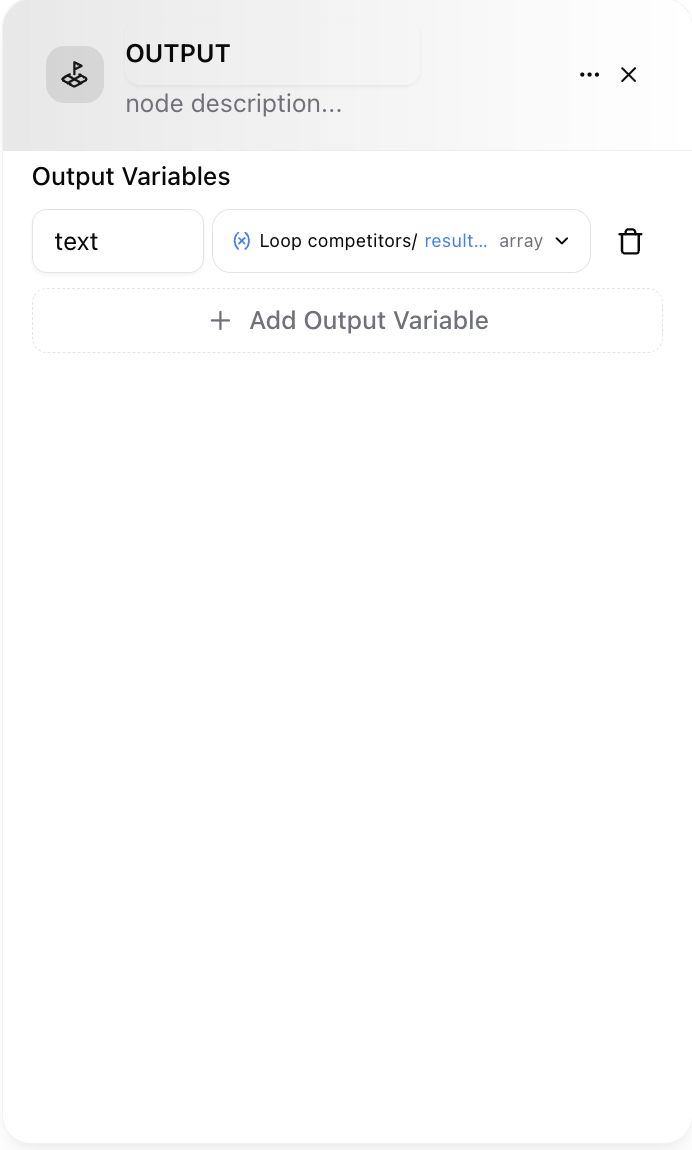
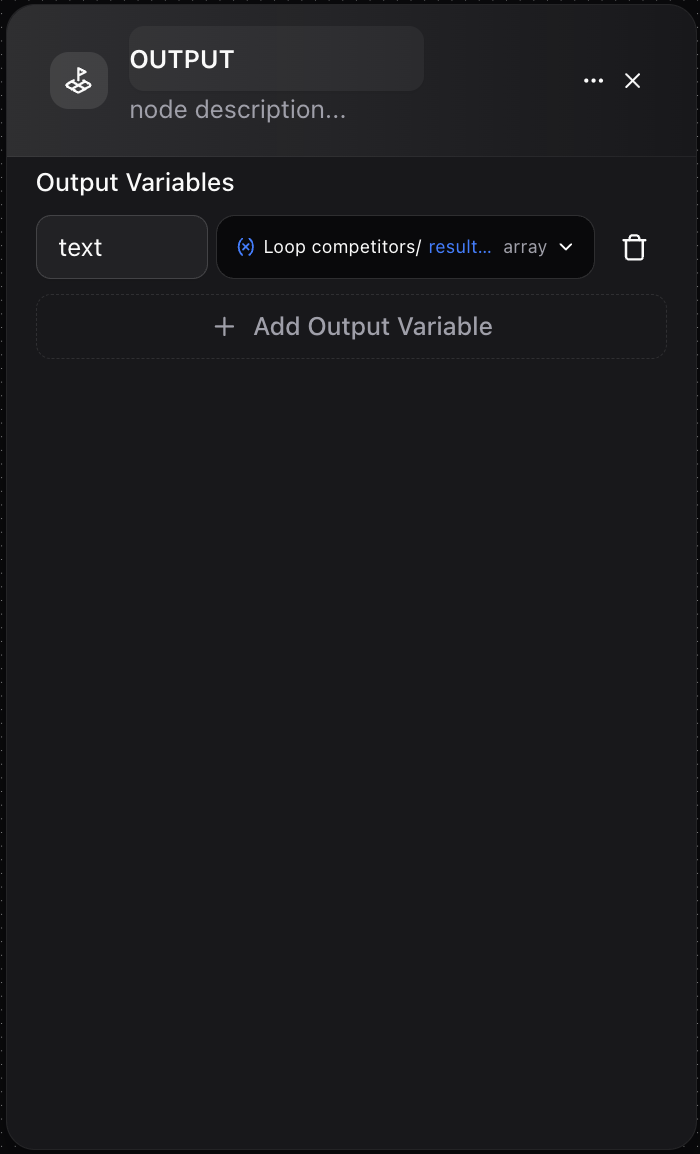
 The **Output Node** is the final step in every Dume AI workflow, responsible for consolidating data and delivering the result of your automation. It acts as the workflow’s endpoint—whether you are sending a message to a user, triggering an external process, or providing processed data for another system.
 ## Key Functions
* **Collect Final Data:** Gathers the outputs from one or more preceding workflow nodes.
* **Shape the Response:** Define exactly what information will be returned—whether a single value, a structured object, or a collection of data fields.
* **Integrate With Tools:** Serves as the delivery point for workflow results consumed by chatbots, APIs, or other services.
## Features
* **Flexible Output Variables:** Drag in any data produced throughout your workflow—results, AI-generated text, API responses, computed values, etc.
* **Custom Structure:** Output can be as simple (a single string) or as rich (nested objects/arrays) as needed.
* **Data Mapping:** Clearly map which node outputs appear in the final result.
* **Documentation Field:** Optionally describe what this output represents to help collaborators or future you.
## How It Works
1. **Add Output Node:** Place the Output Node as the last step in your automation.
2. **Select Output Variables:** Assign any variable from earlier nodes (LLM, Tool, Condition, Http, etc.) to named output fields.
3. **Review & Document:** Describe your output’s purpose for clarity—useful for complex flows or team projects.
4. **Connect the Endpoint:** Workflow execution stops here, and the constructed result is delivered to the consumer (chatbot, API, etc.).
## Example Use Cases
* **AI Content Generation:** Return both the headline and body created in earlier nodes, packaged into a clean JSON result.
* **Integration Workflows:** Collect external API results and format as a summary response.
* **Batch Processing:** Aggregate and output lists of processed items, such as personalized emails or reports.
## Example
Suppose your workflow writes and publishes a LinkedIn post using AI. In the Output Node, you might structure the final result as:
* `{ "headline": {LLM_Headline/answer}, "content": {LLM_Body/answer}, "publishStatus": {LinkedInPublisher/tool_result} } `
* **headline:** The AI-generated opening line.
* **content:** The main post body from a previous node.
* **publishStatus:** Result of the publishing action (success, error message, etc.).
## Best Practices
* **Name Your Outputs Clearly:** Make it obvious what each field contains.
* **Document Your Intent:** Use the description field to clarify the purpose of each output, especially in shared workflows.
* **Aggregate Logically:** For workflows producing arrays/collections, ensure outputs are consistent and easy to consume.
* **Review Dependencies:** Confirm all output fields are correctly mapped from valid preceding node data.
The **Output Node** is essential for closing the loop in your automations—transforming all your workflow’s logic and data flows into a polished, structured result.
## Key Functions
* **Collect Final Data:** Gathers the outputs from one or more preceding workflow nodes.
* **Shape the Response:** Define exactly what information will be returned—whether a single value, a structured object, or a collection of data fields.
* **Integrate With Tools:** Serves as the delivery point for workflow results consumed by chatbots, APIs, or other services.
## Features
* **Flexible Output Variables:** Drag in any data produced throughout your workflow—results, AI-generated text, API responses, computed values, etc.
* **Custom Structure:** Output can be as simple (a single string) or as rich (nested objects/arrays) as needed.
* **Data Mapping:** Clearly map which node outputs appear in the final result.
* **Documentation Field:** Optionally describe what this output represents to help collaborators or future you.
## How It Works
1. **Add Output Node:** Place the Output Node as the last step in your automation.
2. **Select Output Variables:** Assign any variable from earlier nodes (LLM, Tool, Condition, Http, etc.) to named output fields.
3. **Review & Document:** Describe your output’s purpose for clarity—useful for complex flows or team projects.
4. **Connect the Endpoint:** Workflow execution stops here, and the constructed result is delivered to the consumer (chatbot, API, etc.).
## Example Use Cases
* **AI Content Generation:** Return both the headline and body created in earlier nodes, packaged into a clean JSON result.
* **Integration Workflows:** Collect external API results and format as a summary response.
* **Batch Processing:** Aggregate and output lists of processed items, such as personalized emails or reports.
## Example
Suppose your workflow writes and publishes a LinkedIn post using AI. In the Output Node, you might structure the final result as:
* `{ "headline": {LLM_Headline/answer}, "content": {LLM_Body/answer}, "publishStatus": {LinkedInPublisher/tool_result} } `
* **headline:** The AI-generated opening line.
* **content:** The main post body from a previous node.
* **publishStatus:** Result of the publishing action (success, error message, etc.).
## Best Practices
* **Name Your Outputs Clearly:** Make it obvious what each field contains.
* **Document Your Intent:** Use the description field to clarify the purpose of each output, especially in shared workflows.
* **Aggregate Logically:** For workflows producing arrays/collections, ensure outputs are consistent and easy to consume.
* **Review Dependencies:** Confirm all output fields are correctly mapped from valid preceding node data.
The **Output Node** is essential for closing the loop in your automations—transforming all your workflow’s logic and data flows into a polished, structured result.