> ## Documentation Index
> Fetch the complete documentation index at: https://docs.dume.ai/llms.txt
> Use this file to discover all available pages before exploring further.
# Note Node
> Use Note Node for clear workflow documentation and team collaboration. Add comments, explanations, and context to improve workflow understanding and maintenance.

 The **Note Node** in Dume AI workflows is a dedicated annotation tool that allows you to add **rich, markdown-supported documentation** directly within your automation UI. Its purpose is to improve workflow clarity, onboard new collaborators faster, and serve as an in-context reference for usage or logic explanations.
 ## Key Features
* **Standalone Documentation:** The Note Node cannot be connected to workflow logic. It exists solely for information and does not affect data flow or execution.
* **Markdown Support:** Write formatted explanations with headers, lists, code, links, and highlights using standard Markdown. This enables you to create visually clear guides and structured documentation right inside your workflow editor.
* **Workflow Readability:** Place Note Nodes next to complex logic or entry points to provide immediate, contextual help for yourself or your team.
* **Guided Onboarding:** Share “what this workflow does,” step-by-step usage instructions, define required/optional fields, or outline the overall workflow process—all in a single, easily readable panel.
## Typical Use Cases
* **Workflow Introduction:** Present at the top of a flow to outline the solution’s purpose and high-level summary.
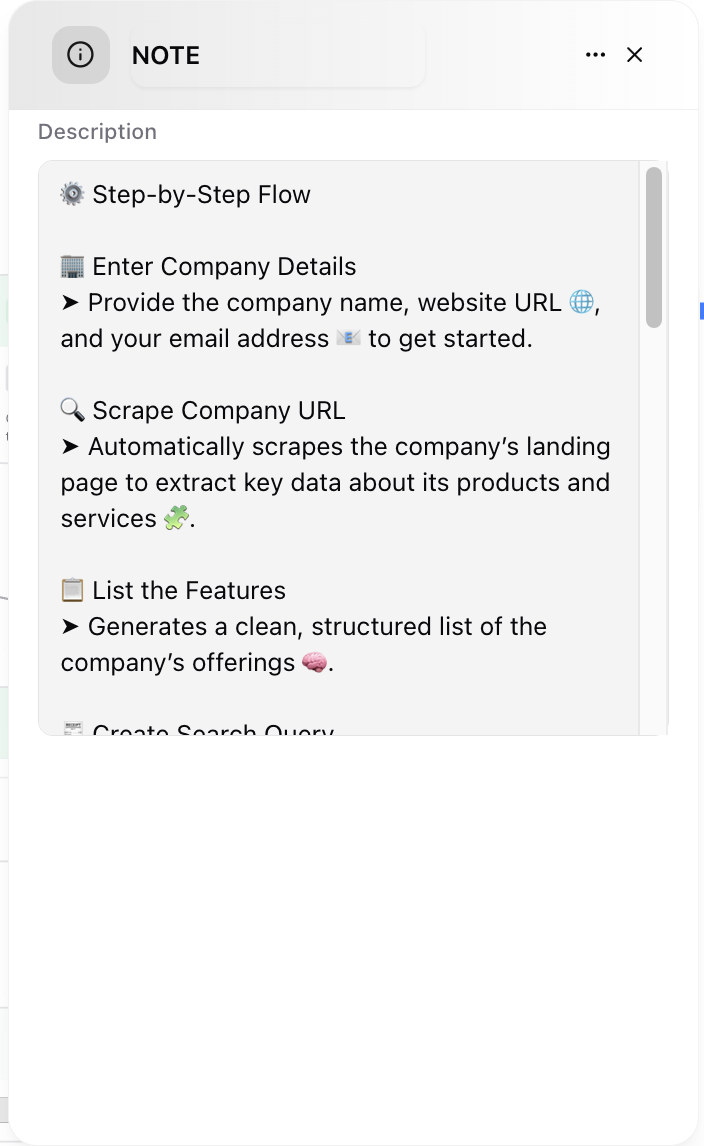
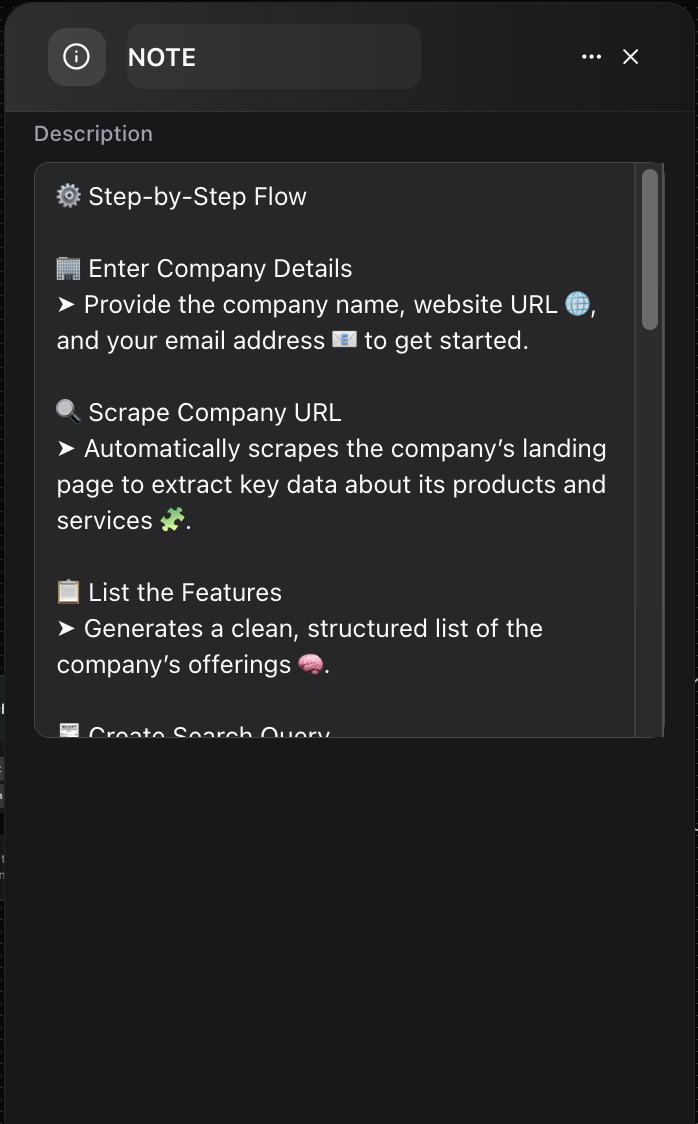
* **Usage Instructions:** Share clear, easy-to-follow guidelines about the required and optional inputs with examples, as shown in the attached images.
* **Process Documentation:** Break down logic, stage explanations, and what each part of the workflow accomplishes.
* **Team Communication:** Leave reminders, notes, or best practices for current and future collaborators.
## Key Features
* **Standalone Documentation:** The Note Node cannot be connected to workflow logic. It exists solely for information and does not affect data flow or execution.
* **Markdown Support:** Write formatted explanations with headers, lists, code, links, and highlights using standard Markdown. This enables you to create visually clear guides and structured documentation right inside your workflow editor.
* **Workflow Readability:** Place Note Nodes next to complex logic or entry points to provide immediate, contextual help for yourself or your team.
* **Guided Onboarding:** Share “what this workflow does,” step-by-step usage instructions, define required/optional fields, or outline the overall workflow process—all in a single, easily readable panel.
## Typical Use Cases
* **Workflow Introduction:** Present at the top of a flow to outline the solution’s purpose and high-level summary.
* **Usage Instructions:** Share clear, easy-to-follow guidelines about the required and optional inputs with examples, as shown in the attached images.
* **Process Documentation:** Break down logic, stage explanations, and what each part of the workflow accomplishes.
* **Team Communication:** Leave reminders, notes, or best practices for current and future collaborators.