> ## Documentation Index
> Fetch the complete documentation index at: https://docs.dume.ai/llms.txt
> Use this file to discover all available pages before exploring further.
# LLM Node
> Use Large Language Model (LLM) nodes to generate dynamic, AI-powered content in your workflows. Complete guide to AI text generation and content automation.
 import { Alert, Card } from './components'; // Example of MDX component import
**Key Feature:** The LLM node's core strength is its ability to use dynamic variables from previous nodes, making your prompts context-aware and highly reusable.
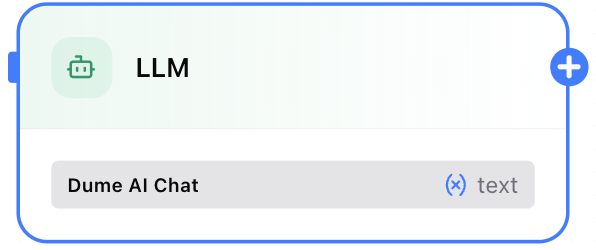
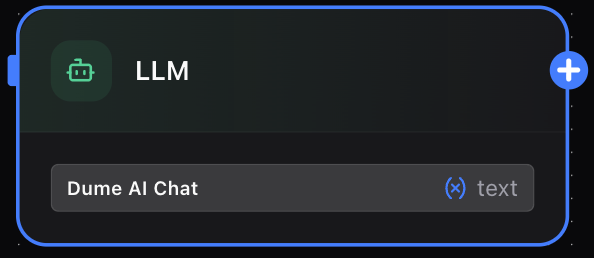
The **Large Language Model (LLM) Node** is the powerhouse of your Dume AI workflow, enabling you to integrate advanced AI capabilities for a wide range of tasks. Whether you need to generate creative text, summarize complex information, translate languages, or extract structured data, the LLM node provides a flexible and powerful interface to state-of-the-art AI models.
You can chain multiple LLM nodes together to build sophisticated pipelines, where the output of one node becomes the contextual input for the next, allowing for highly refined and specific results.
import { Alert, Card } from './components'; // Example of MDX component import
**Key Feature:** The LLM node's core strength is its ability to use dynamic variables from previous nodes, making your prompts context-aware and highly reusable.
The **Large Language Model (LLM) Node** is the powerhouse of your Dume AI workflow, enabling you to integrate advanced AI capabilities for a wide range of tasks. Whether you need to generate creative text, summarize complex information, translate languages, or extract structured data, the LLM node provides a flexible and powerful interface to state-of-the-art AI models.
You can chain multiple LLM nodes together to build sophisticated pipelines, where the output of one node becomes the contextual input for the next, allowing for highly refined and specific results.
 ## Configuration Panel
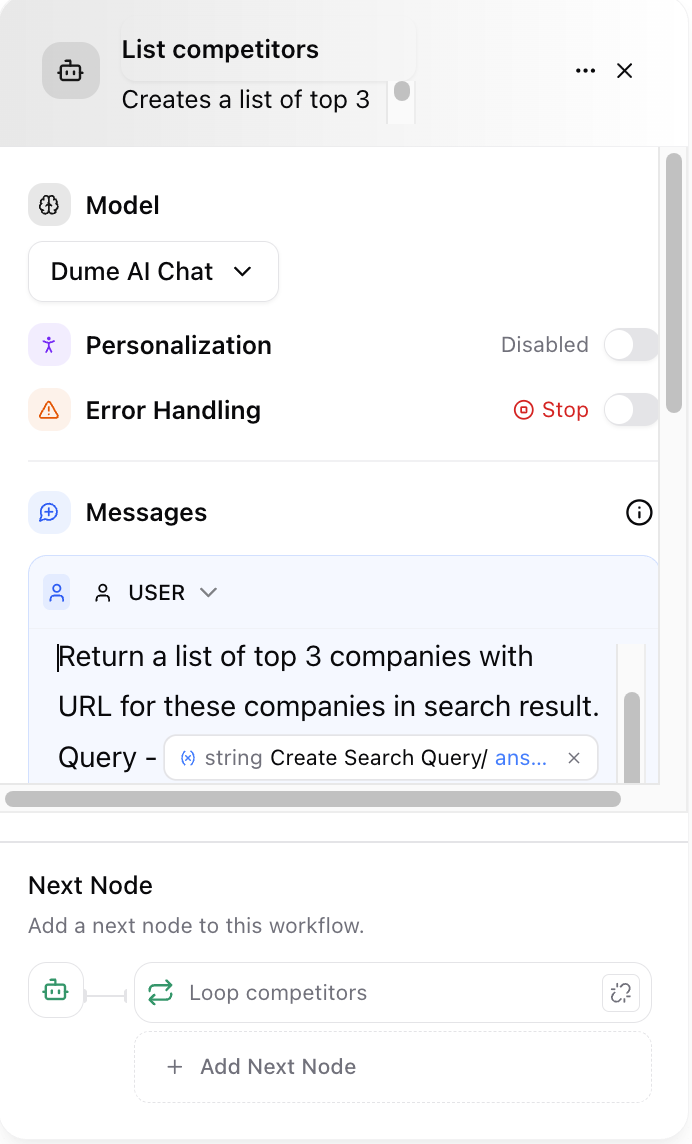
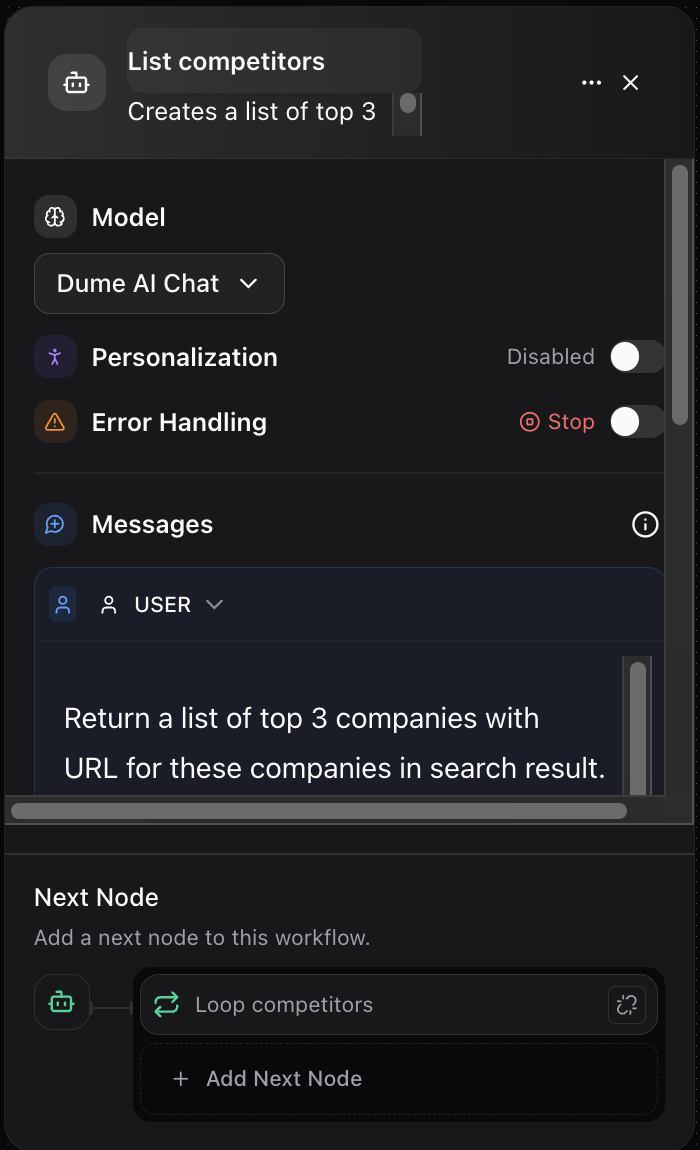
To use the LLM node, you need to configure its properties. The panel is divided into three main sections:
### 1. Model
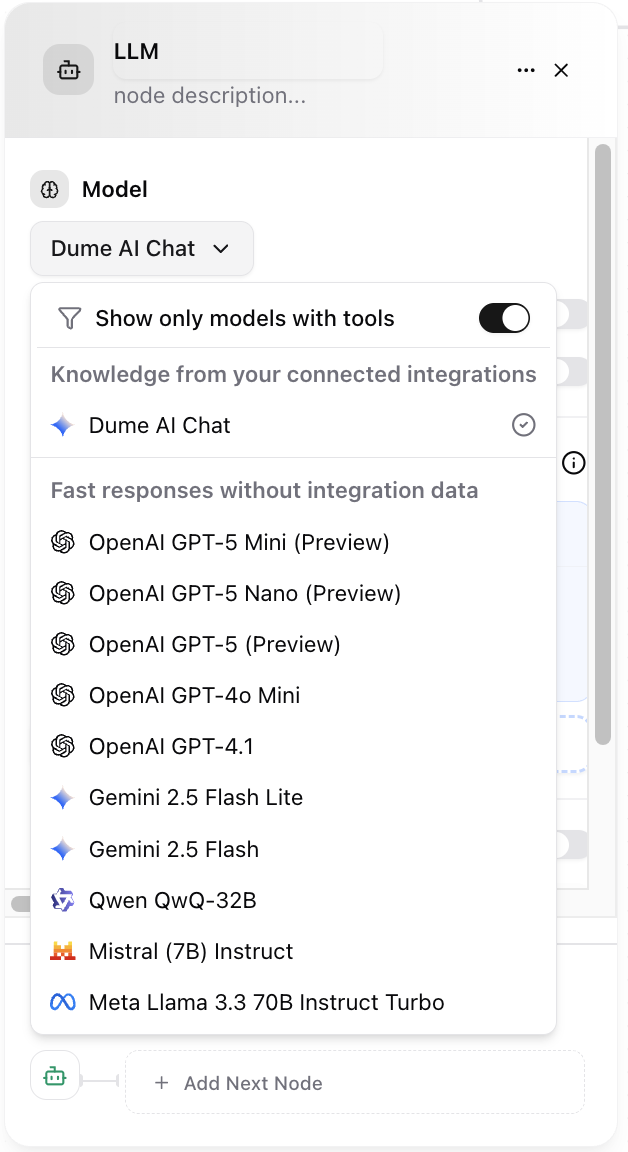
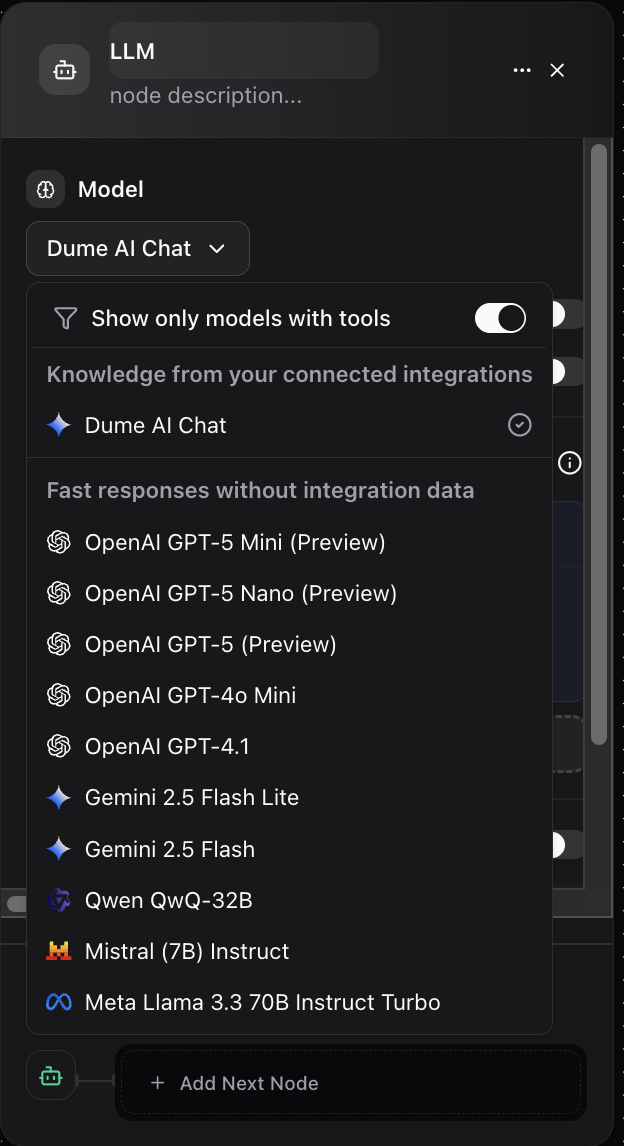
This dropdown menu allows you to select the AI model that will process your request. Each model may have different strengths, such as proficiency in specific languages, coding ability, or creative writing.
* **Example:** For generating marketing copy, you might select **Dume AI Chat**, which is optimized for conversational and creative text generation.
## Configuration Panel
To use the LLM node, you need to configure its properties. The panel is divided into three main sections:
### 1. Model
This dropdown menu allows you to select the AI model that will process your request. Each model may have different strengths, such as proficiency in specific languages, coding ability, or creative writing.
* **Example:** For generating marketing copy, you might select **Dume AI Chat**, which is optimized for conversational and creative text generation.
 ### 2. Messages (The Prompt)
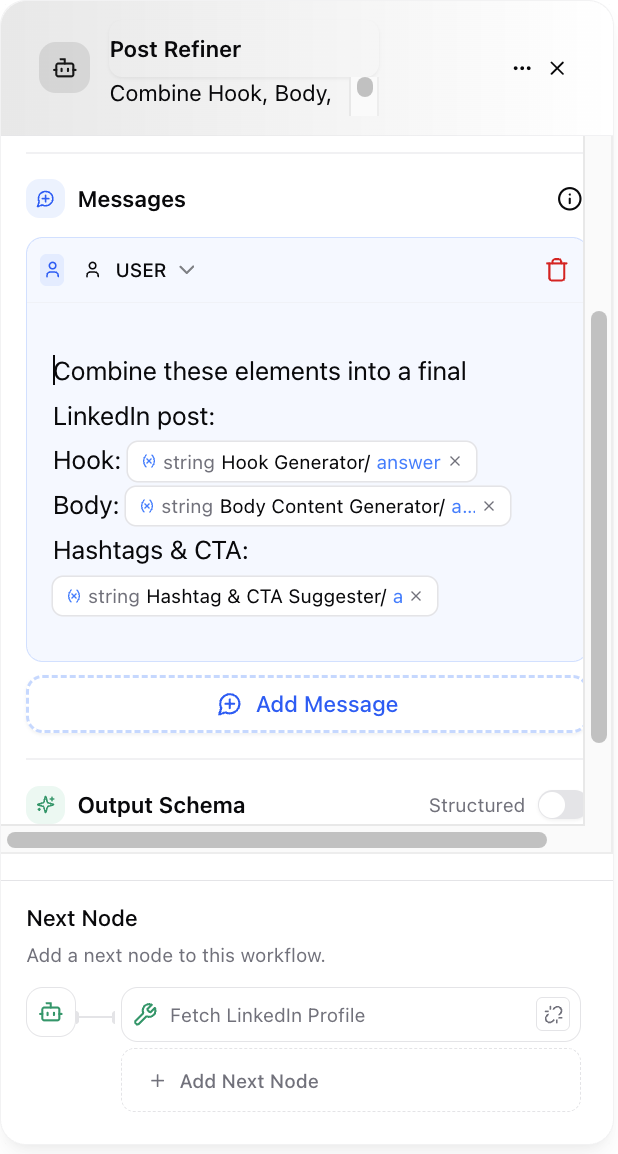
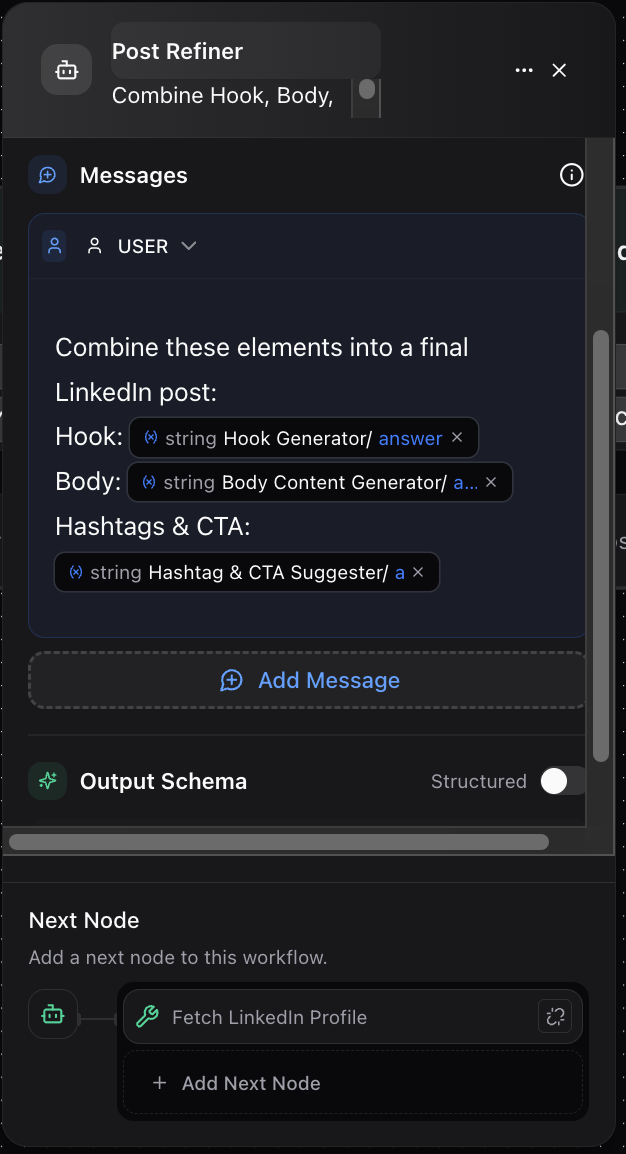
This is where you provide the instructions for the AI. A well-crafted prompt is crucial for getting the desired output. You can add one or more messages to simulate a conversation or provide layered context.
**Dynamic Variables:**
The most powerful feature here is the ability to insert data from previous nodes. To reference a variable, use the format `{type NODE_NAME/field_name}`. The node will dynamically substitute this placeholder with the actual data when the workflow runs.
* **Example Prompt:**
Write body content using tone: tring INPUT tone, goal: string INPUT goal for audience: string INPUT audience\_type
In this example, the prompt pulls the `tone`, `goal`, and `audience_type` from a preceding **Input Node** to generate highly targeted content.
### 2. Messages (The Prompt)
This is where you provide the instructions for the AI. A well-crafted prompt is crucial for getting the desired output. You can add one or more messages to simulate a conversation or provide layered context.
**Dynamic Variables:**
The most powerful feature here is the ability to insert data from previous nodes. To reference a variable, use the format `{type NODE_NAME/field_name}`. The node will dynamically substitute this placeholder with the actual data when the workflow runs.
* **Example Prompt:**
Write body content using tone: tring INPUT tone, goal: string INPUT goal for audience: string INPUT audience\_type
In this example, the prompt pulls the `tone`, `goal`, and `audience_type` from a preceding **Input Node** to generate highly targeted content.
 ### 3. Output Schema
This section defines the structure of the data that the LLM node will return. You have two options:
* **Simple Output (Default):** The node returns a single text string in a field named `answer`. This is useful for straightforward text generation.
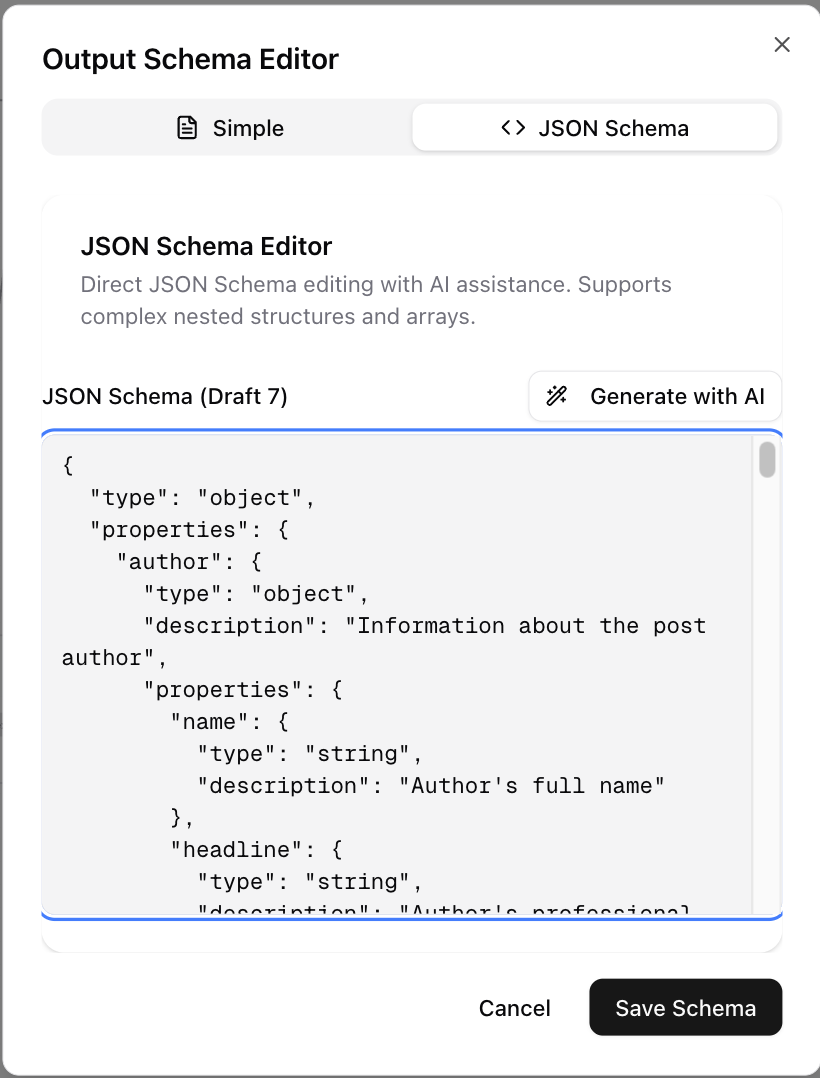
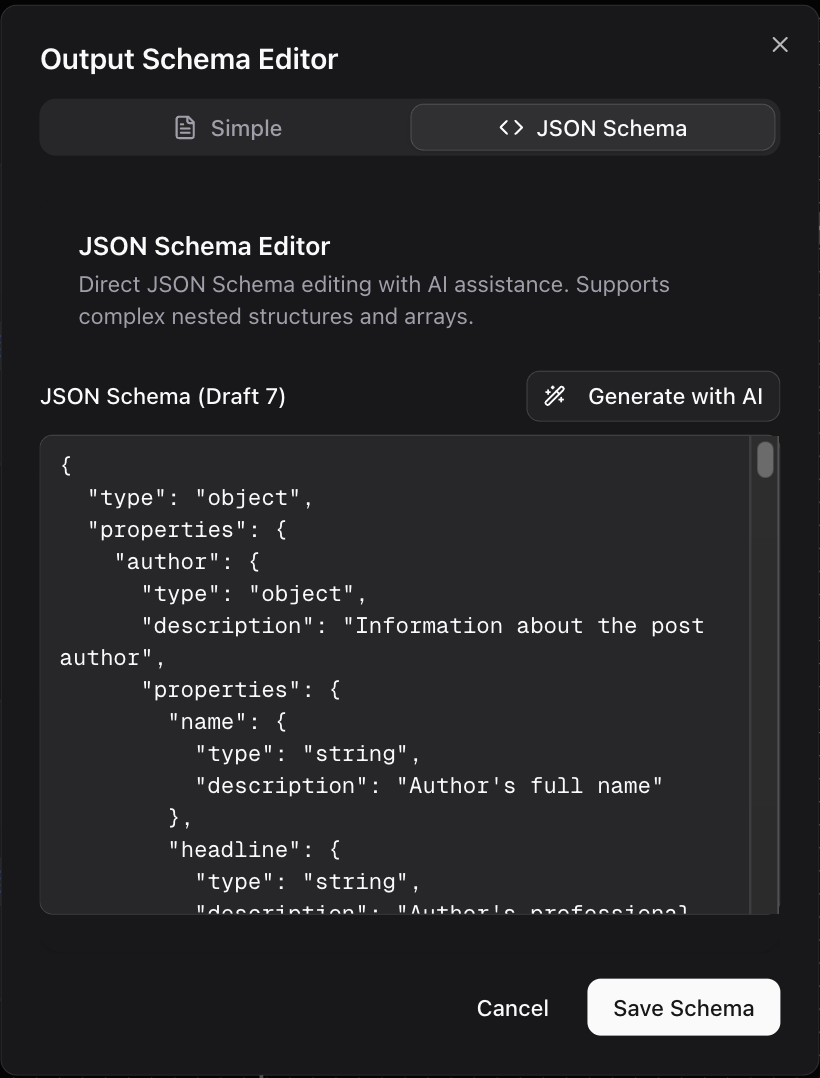
* **Structured Output:** You can define a specific JSON schema for the output. This is incredibly useful when you need the AI to return data in a predictable format with multiple fields, such as extracting names, dates, and summaries from a block of text.
### 3. Output Schema
This section defines the structure of the data that the LLM node will return. You have two options:
* **Simple Output (Default):** The node returns a single text string in a field named `answer`. This is useful for straightforward text generation.
* **Structured Output:** You can define a specific JSON schema for the output. This is incredibly useful when you need the AI to return data in a predictable format with multiple fields, such as extracting names, dates, and summaries from a block of text.
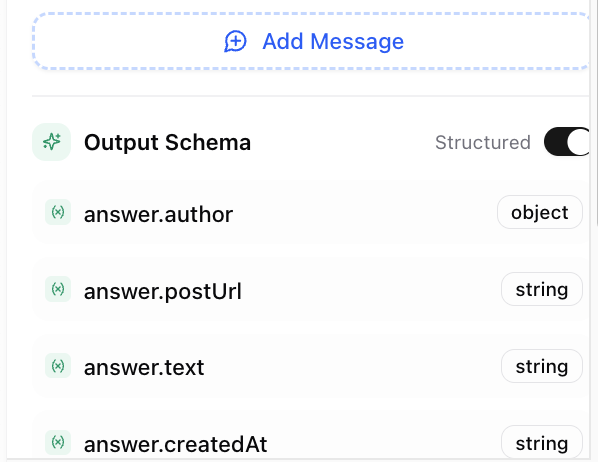
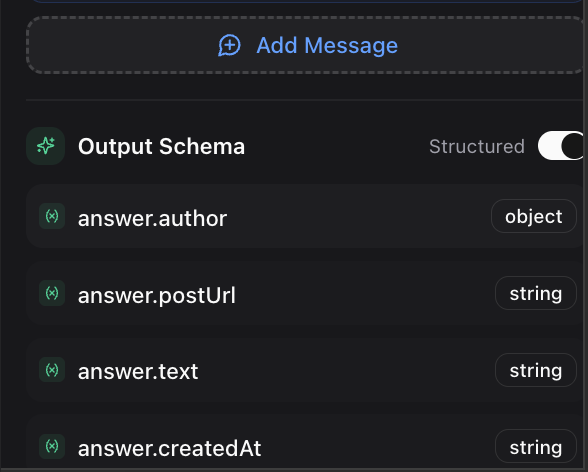 You specify the schema of the output in the JSON format, or get it generated from AI using the **Generate with AI** option at the top.
 ## Examples in Practice
Let's explore how to use the LLM node in a real-world content creation workflow. Here we'll use a LinkdIn post generator as an example.
### Example 1: The Hook Generator
The first step in creating engaging content is a strong opening. We can build a dedicated LLM node for this.
* **Goal:** Generate 2-3 engaging hook lines for a social media post.
* **Model:** `Dume AI Chat`
* **Prompt:** `Write 2-3 hook lines for a LinkedIn post on: {string INPUT/post_topic}`
* **Output:** A single string containing the generated hooks.
### Example 2: The Body Content Generator
Once you have a hook, the next step is to write the main body of the post. This node takes multiple inputs to tailor the content precisely.
* **Goal:** Generate the main content for a LinkedIn post based on specific parameters.
* **Model:** `Dume AI Chat`
* **Prompt:** `Write body content using tone: {string INPUT/tone}, goal: {string INPUT/goal} for audience: {string INPUT/audience_type}`
* **Output:** A single string containing the generated post body.
### Example 3: Hashtag and CTA Suggester
To complete the post, a final LLM node can suggest relevant hashtags and a strong call-to-action (CTA). This node would use the outputs from the previous two.
* **Goal:** Suggest relevant hashtags and a compelling CTA for the generated post.
* **Model:** `Dume AI Chat`
* **Prompt:** `Based on the following post, suggest 5 relevant hashtags and a strong call-to-action. Post: {string Hook_Generator/answer} {string Body_Content_Generator/answer}`
* **Output:** A single string with the suggested hashtags and CTA.
This chained approach ensures that each part of the content is coherent and builds upon the previous step, resulting in a high-quality, ready-to-publish post.
## Examples in Practice
Let's explore how to use the LLM node in a real-world content creation workflow. Here we'll use a LinkdIn post generator as an example.
### Example 1: The Hook Generator
The first step in creating engaging content is a strong opening. We can build a dedicated LLM node for this.
* **Goal:** Generate 2-3 engaging hook lines for a social media post.
* **Model:** `Dume AI Chat`
* **Prompt:** `Write 2-3 hook lines for a LinkedIn post on: {string INPUT/post_topic}`
* **Output:** A single string containing the generated hooks.
### Example 2: The Body Content Generator
Once you have a hook, the next step is to write the main body of the post. This node takes multiple inputs to tailor the content precisely.
* **Goal:** Generate the main content for a LinkedIn post based on specific parameters.
* **Model:** `Dume AI Chat`
* **Prompt:** `Write body content using tone: {string INPUT/tone}, goal: {string INPUT/goal} for audience: {string INPUT/audience_type}`
* **Output:** A single string containing the generated post body.
### Example 3: Hashtag and CTA Suggester
To complete the post, a final LLM node can suggest relevant hashtags and a strong call-to-action (CTA). This node would use the outputs from the previous two.
* **Goal:** Suggest relevant hashtags and a compelling CTA for the generated post.
* **Model:** `Dume AI Chat`
* **Prompt:** `Based on the following post, suggest 5 relevant hashtags and a strong call-to-action. Post: {string Hook_Generator/answer} {string Body_Content_Generator/answer}`
* **Output:** A single string with the suggested hashtags and CTA.
This chained approach ensures that each part of the content is coherent and builds upon the previous step, resulting in a high-quality, ready-to-publish post.