> ## Documentation Index
> Fetch the complete documentation index at: https://docs.dume.ai/llms.txt
> Use this file to discover all available pages before exploring further.
# Input Node
> Define dynamic input fields for user-controlled automation with validation, structure, and reusability. Create interactive workflows that adapt to user requirements.
 ## Input Node:
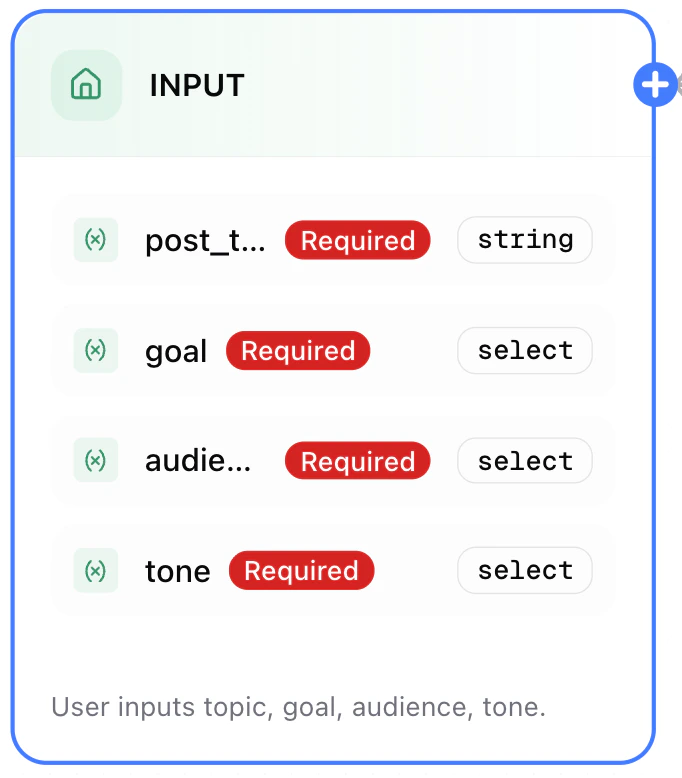
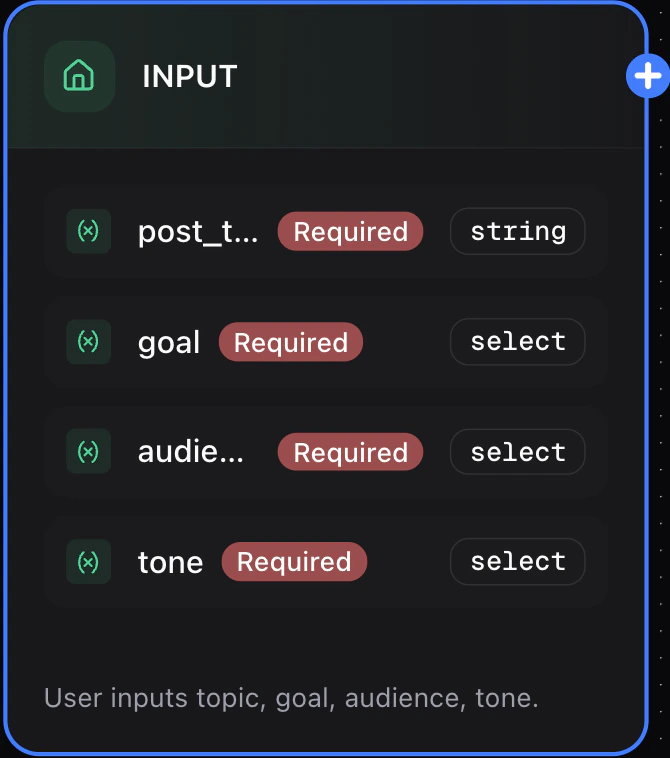
The **Input Node** is the foundation of any workflow in Dume AI. It lets you define all the dynamic fields that a user must provide when triggering a workflow — such as the topic of a post, type of audience, desired tone, and more.
## Input Node:
The **Input Node** is the foundation of any workflow in Dume AI. It lets you define all the dynamic fields that a user must provide when triggering a workflow — such as the topic of a post, type of audience, desired tone, and more.
 ## Configuration Options
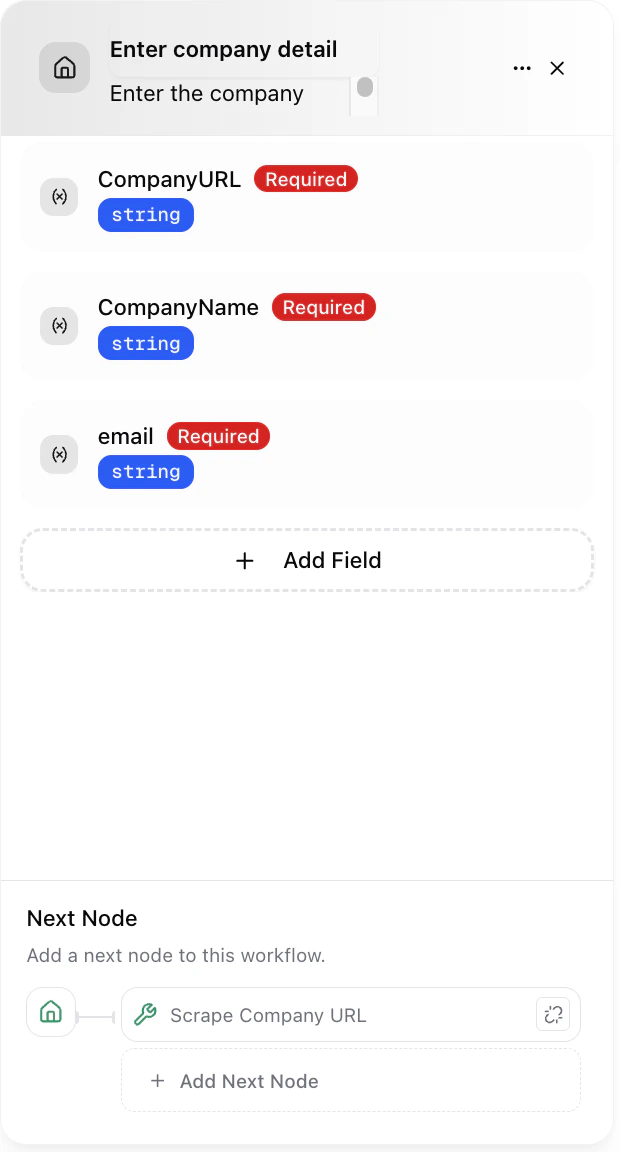
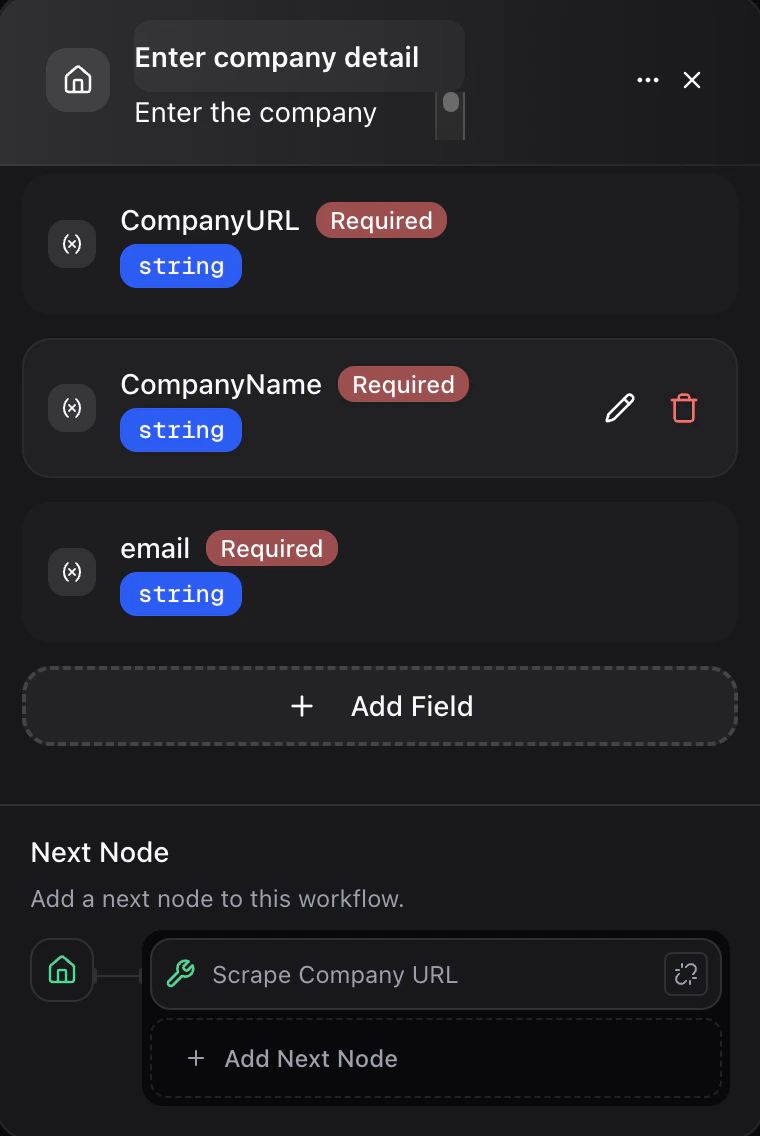
Each input field added to this node supports, for exmaple:
| Field | Description | Type | Required? |
| --------------- | -------------------------------- | ------ | --------- |
| `post_topic` | The main subject of the content | string | ✅ |
| `goal` | Purpose of the post | select | ✅ |
| `audience_type` | Who you’re targeting | select | ✅ |
| `tone` | Desired tone (e.g., formal, fun) | select | ✅ |
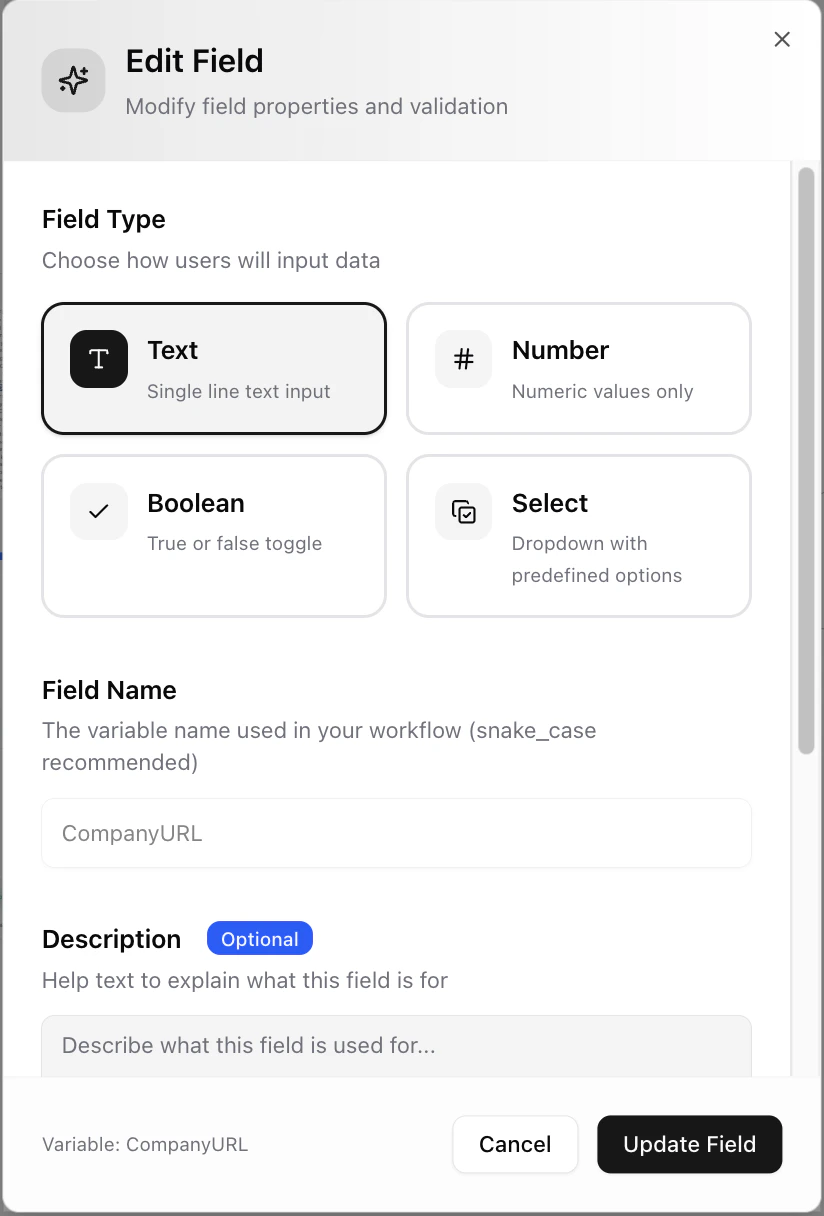
## Field Types Supported
* `string` – Plain text input.
* `number` – Numeric input.
* `boolean` – True/False switches.
* `select` – Dropdown menu with predefined values.
* `object` – JSON-like structure for complex data (advanced).
* `array` – Lists of items (coming soon).
**Please note:** Default vaules of the variables are picked if the workflow is scheduled.
## Configuration Options
Each input field added to this node supports, for exmaple:
| Field | Description | Type | Required? |
| --------------- | -------------------------------- | ------ | --------- |
| `post_topic` | The main subject of the content | string | ✅ |
| `goal` | Purpose of the post | select | ✅ |
| `audience_type` | Who you’re targeting | select | ✅ |
| `tone` | Desired tone (e.g., formal, fun) | select | ✅ |
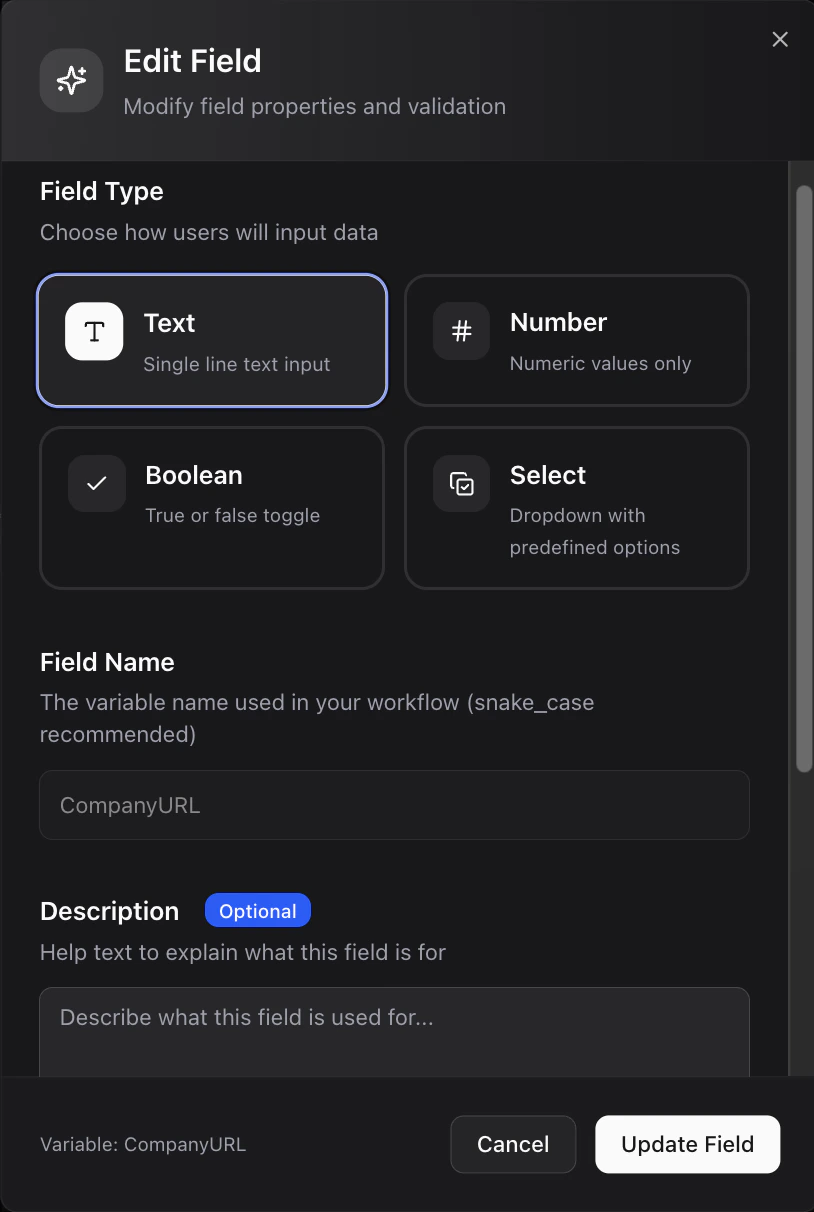
## Field Types Supported
* `string` – Plain text input.
* `number` – Numeric input.
* `boolean` – True/False switches.
* `select` – Dropdown menu with predefined values.
* `object` – JSON-like structure for complex data (advanced).
* `array` – Lists of items (coming soon).
**Please note:** Default vaules of the variables are picked if the workflow is scheduled.
 ***
## Practical Use Cases
| Field | Value |
| :-------------- | :---------------------- |
| `post_topic` | “AI Tools for Founders” |
| `goal` | “Engagement” |
| `audience_type` | “Startup Founders” |
| `tone` | “Professional” |
Use these values to generate a LinkedIn post with an engaging hook, body, and CTA.
| Field | Value |
| :-------------- | :--------------------------- |
| `post_topic` | “Productivity App for Teams” |
| `goal` | “Lead Generation” |
| `audience_type` | “Remote Managers” |
| `tone` | “Energetic” |
Feed this input into LLM and Template nodes to generate ad titles, descriptions, and call-to-actions.
## How It Works With Other Nodes
* Refer to inputs in **LLM Nodes** using `/post_topic`, `/goal`, etc.
* Use inputs in **Condition Nodes** for branching logic.
* Populate **Templates** dynamically with user data.
## Best Practices
* **Mark all essential fields as required** to avoid runtime errors.
* Use **Select** type to create fixed options.
* **Avoid using long, ambiguous string fields** when options can be structured.
* **Test with different combinations of inputs** to ensure downstream nodes handle variability.
* Provide **Description** for each field, which helps undertand more about the input.
***
***
## Practical Use Cases
| Field | Value |
| :-------------- | :---------------------- |
| `post_topic` | “AI Tools for Founders” |
| `goal` | “Engagement” |
| `audience_type` | “Startup Founders” |
| `tone` | “Professional” |
Use these values to generate a LinkedIn post with an engaging hook, body, and CTA.
| Field | Value |
| :-------------- | :--------------------------- |
| `post_topic` | “Productivity App for Teams” |
| `goal` | “Lead Generation” |
| `audience_type` | “Remote Managers” |
| `tone` | “Energetic” |
Feed this input into LLM and Template nodes to generate ad titles, descriptions, and call-to-actions.
## How It Works With Other Nodes
* Refer to inputs in **LLM Nodes** using `/post_topic`, `/goal`, etc.
* Use inputs in **Condition Nodes** for branching logic.
* Populate **Templates** dynamically with user data.
## Best Practices
* **Mark all essential fields as required** to avoid runtime errors.
* Use **Select** type to create fixed options.
* **Avoid using long, ambiguous string fields** when options can be structured.
* **Test with different combinations of inputs** to ensure downstream nodes handle variability.
* Provide **Description** for each field, which helps undertand more about the input.
***