> ## Documentation Index
> Fetch the complete documentation index at: https://docs.dume.ai/llms.txt
> Use this file to discover all available pages before exploring further.
# HTTP Node
> Configure and utilize the HTTP Node for seamless API integrations in your Dume.ai workflows. Complete guide to REST API calls, webhooks, and external service connections.
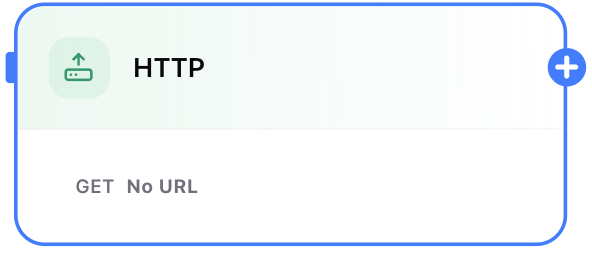
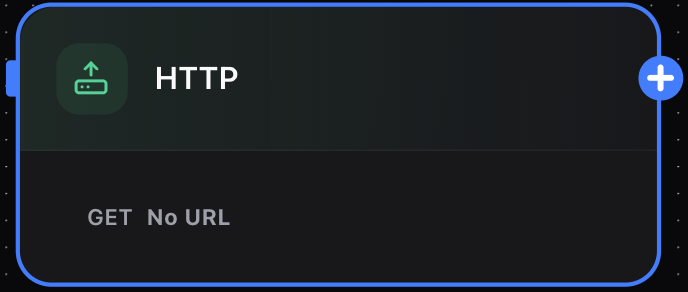 The **HTTP Node** is your primary tool for connecting Dume AI workflows with the outside world using APIs. It enables seamless integration with any web service, allowing you to fetch, send, or manipulate data dynamically as part of your automation pipeline.
## What Can the HTTP Node Do?
* **Make API Calls:** Supports a wide range of HTTP methods such as GET, POST, PUT, PATCH, or DELETE.
* **Integrate Third-Party Services:** Connect your workflow with platforms like CRMs, databases, AI services, or any REST-enabled API.
* **Automate Data Exchange:** Fetch or push data from/to external systems to power advanced automations.
* **Customize Requests:** Configure headers, query parameters, body payload, and timeout settings for complete control.
## Key Features
* **Flexible Method Selection:** Choose the appropriate HTTP method (default: GET).
* **URL Input:** Specify the exact endpoint you want to interact with.
* **Configurable Timeout:** Define maximum wait time for responses (in milliseconds) to suit your API’s expected response durations.
* **Advanced Configuration:** Add headers (for authentication, content type, etc.), query string parameters, and custom request bodies—making it easy to interact with both public and private APIs.
* **Dynamic Data:** Use variables from previous workflow nodes as part of your URL or payload for contextual, data-driven requests.
## Configuring the HTTP Node
The **HTTP Node** is your primary tool for connecting Dume AI workflows with the outside world using APIs. It enables seamless integration with any web service, allowing you to fetch, send, or manipulate data dynamically as part of your automation pipeline.
## What Can the HTTP Node Do?
* **Make API Calls:** Supports a wide range of HTTP methods such as GET, POST, PUT, PATCH, or DELETE.
* **Integrate Third-Party Services:** Connect your workflow with platforms like CRMs, databases, AI services, or any REST-enabled API.
* **Automate Data Exchange:** Fetch or push data from/to external systems to power advanced automations.
* **Customize Requests:** Configure headers, query parameters, body payload, and timeout settings for complete control.
## Key Features
* **Flexible Method Selection:** Choose the appropriate HTTP method (default: GET).
* **URL Input:** Specify the exact endpoint you want to interact with.
* **Configurable Timeout:** Define maximum wait time for responses (in milliseconds) to suit your API’s expected response durations.
* **Advanced Configuration:** Add headers (for authentication, content type, etc.), query string parameters, and custom request bodies—making it easy to interact with both public and private APIs.
* **Dynamic Data:** Use variables from previous workflow nodes as part of your URL or payload for contextual, data-driven requests.
## Configuring the HTTP Node
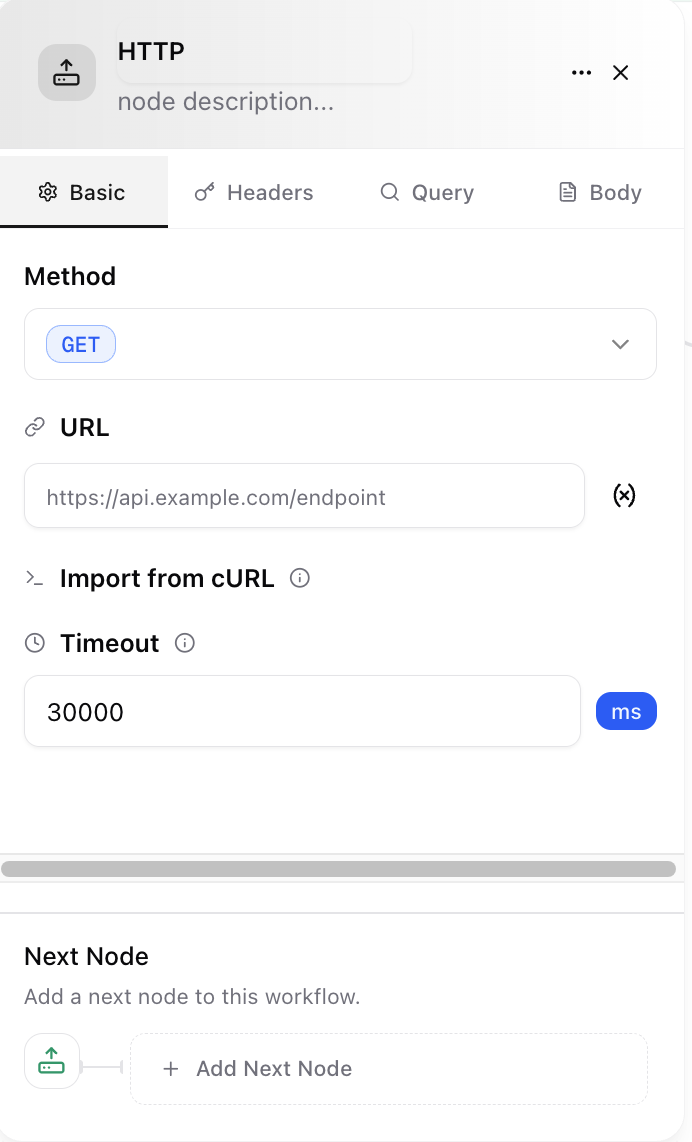
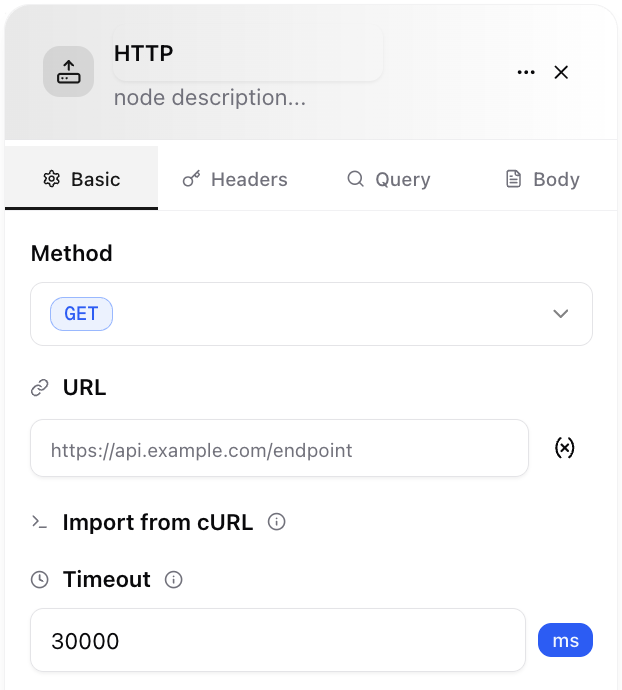
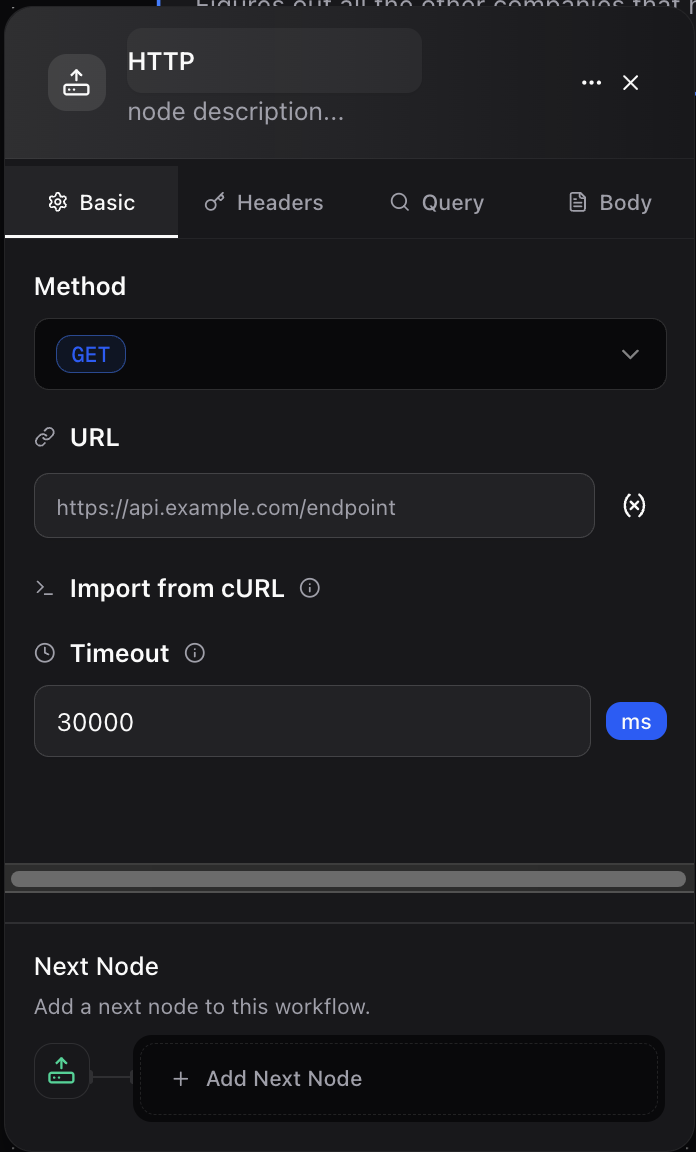 The HTTP node configuration panel allows you to set up every detail for your API call:
**1. Basic Tab**
* **Method:** Select GET, POST, PUT, PATCH, or DELETE.
* **URL:** Enter the API endpoint (can use dynamic variables from previous nodes).
* **Timeout:** Set response timeout in milliseconds.
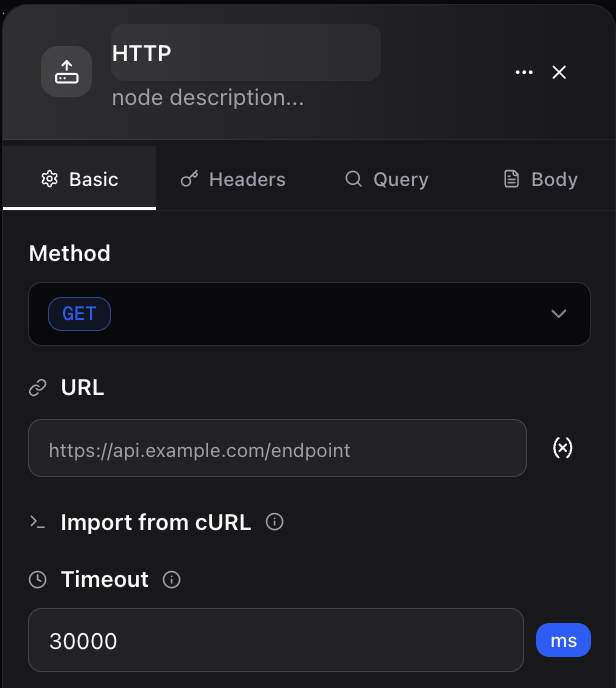
The HTTP node configuration panel allows you to set up every detail for your API call:
**1. Basic Tab**
* **Method:** Select GET, POST, PUT, PATCH, or DELETE.
* **URL:** Enter the API endpoint (can use dynamic variables from previous nodes).
* **Timeout:** Set response timeout in milliseconds.
 **2. Headers Tab**
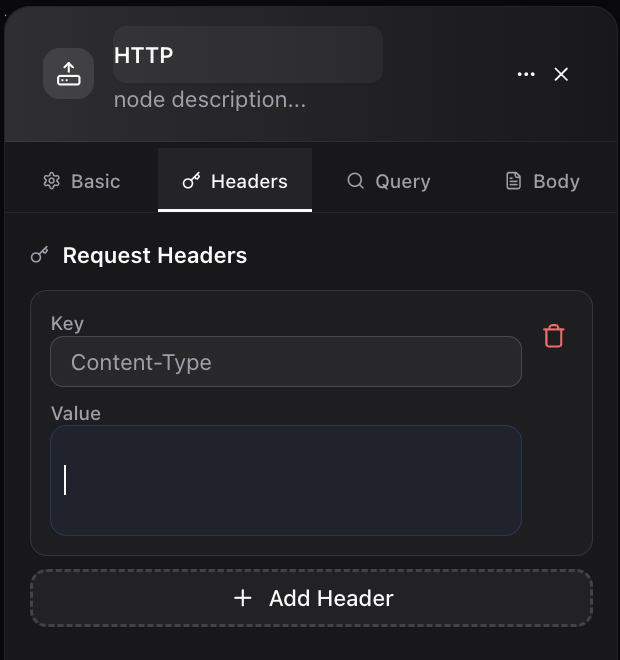
* Easily add authentication (e.g., Bearer tokens, API keys), content-type, or any required header.
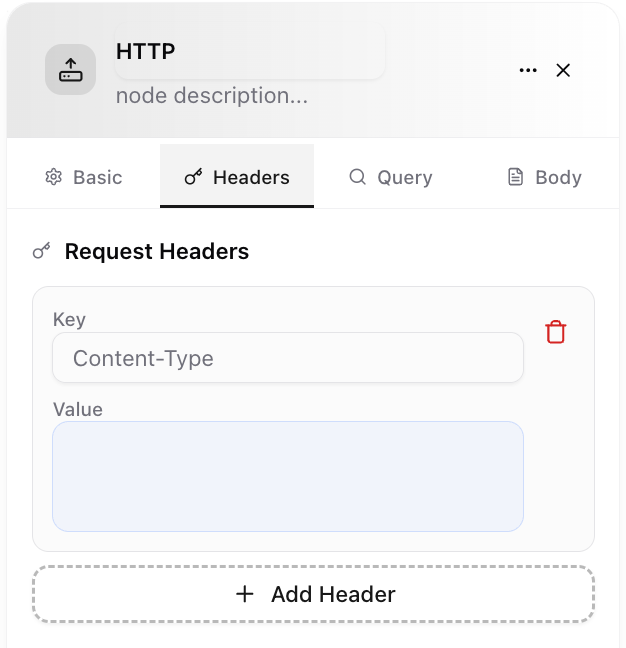
**2. Headers Tab**
* Easily add authentication (e.g., Bearer tokens, API keys), content-type, or any required header.
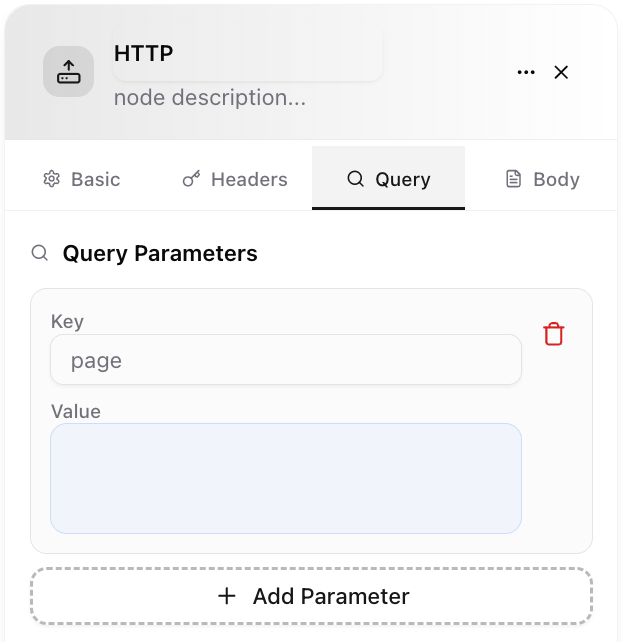
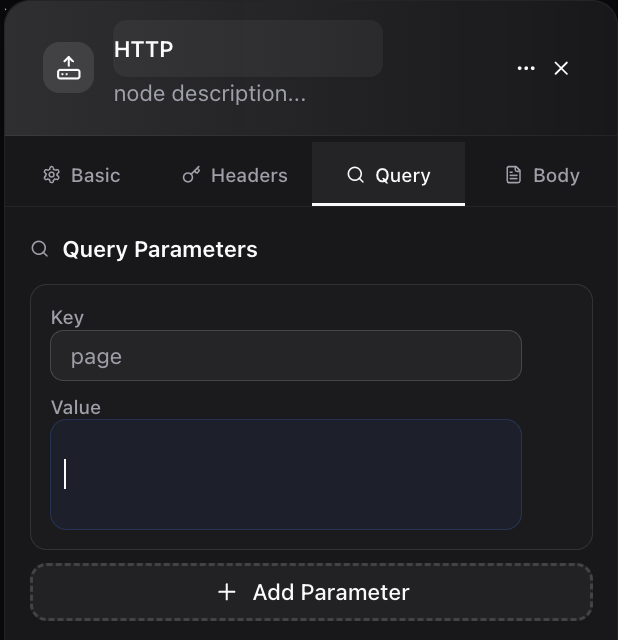
 **3. Query Tab**
* Specify URL query string parameters as needed by the target API.
**3. Query Tab**
* Specify URL query string parameters as needed by the target API.
 **4. Body Tab**
* For POST/PUT requests, define JSON or form-data payload using variables from your workflow.
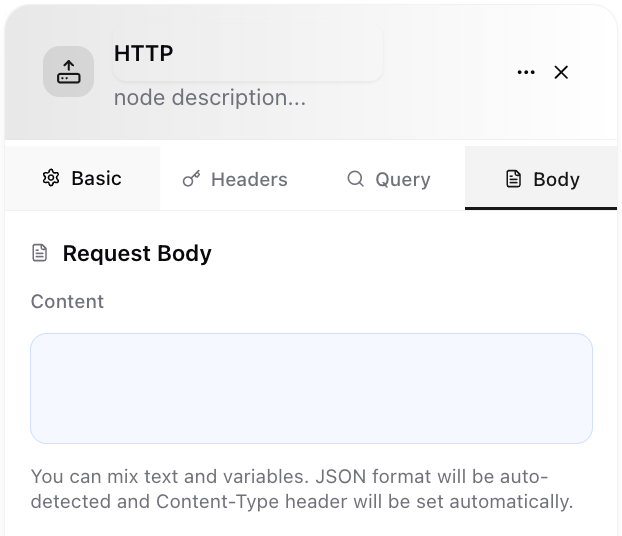
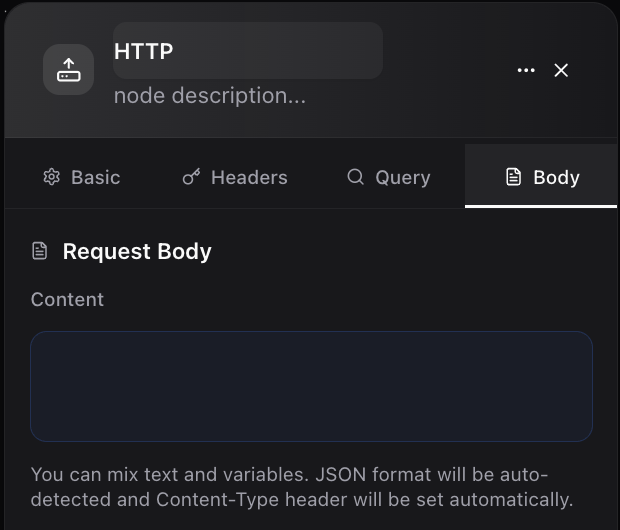
**4. Body Tab**
* For POST/PUT requests, define JSON or form-data payload using variables from your workflow.
 **5. Next Node**
* After the API call, connect subsequent nodes to process API responses (pass to an LLM, trigger a condition, etc.).
## Example: Fetching Data from an External API
Suppose you want to retrieve weather data for a city received as input:
1. **Input Node:** Provides a `city` parameter.
2. **HTTP Node:**
* **Method:** GET
* **URL:** `https://api.weatherapi.com/v1/current.json?key={YOUR_API_KEY}&q={INPUT/city}`
* Add necessary headers if required.
3. **Next Node:** Parse the `temperature` from the response and feed it to a Template or Output Node.
## Use Cases
* **Enrich workflow data with external information (e.g., user details, stock prices, weather).**
* **Send workflow outcomes to remote databases or reporting tools.**
* **Trigger notifications on third-party services.**
* **Integrate business logic into SaaS platforms.**
## Best Practices
* **Handle Errors:** Use Condition Nodes to handle HTTP failures (timeouts, non-200 status codes, etc.).
* **Secure Credentials:** Store API keys in secure environment variables whenever possible.
* **Test Your API Calls:** Start with small requests and check responses for proper mapping.
The **HTTP Node** allows you to power up your Dume AI workflow with virtually any web-connected system—bringing advanced automation, interoperability, and real-time data exchange into your business processes.
**5. Next Node**
* After the API call, connect subsequent nodes to process API responses (pass to an LLM, trigger a condition, etc.).
## Example: Fetching Data from an External API
Suppose you want to retrieve weather data for a city received as input:
1. **Input Node:** Provides a `city` parameter.
2. **HTTP Node:**
* **Method:** GET
* **URL:** `https://api.weatherapi.com/v1/current.json?key={YOUR_API_KEY}&q={INPUT/city}`
* Add necessary headers if required.
3. **Next Node:** Parse the `temperature` from the response and feed it to a Template or Output Node.
## Use Cases
* **Enrich workflow data with external information (e.g., user details, stock prices, weather).**
* **Send workflow outcomes to remote databases or reporting tools.**
* **Trigger notifications on third-party services.**
* **Integrate business logic into SaaS platforms.**
## Best Practices
* **Handle Errors:** Use Condition Nodes to handle HTTP failures (timeouts, non-200 status codes, etc.).
* **Secure Credentials:** Store API keys in secure environment variables whenever possible.
* **Test Your API Calls:** Start with small requests and check responses for proper mapping.
The **HTTP Node** allows you to power up your Dume AI workflow with virtually any web-connected system—bringing advanced automation, interoperability, and real-time data exchange into your business processes.