> ## Documentation Index
> Fetch the complete documentation index at: https://docs.dume.ai/llms.txt
> Use this file to discover all available pages before exploring further.
# Condition Node
> A detailed guide to configuring, using, and maximizing the Conditional Node to automate branching logic in your Dume AI flows.
 # Condition Node in Dume AI Workflows
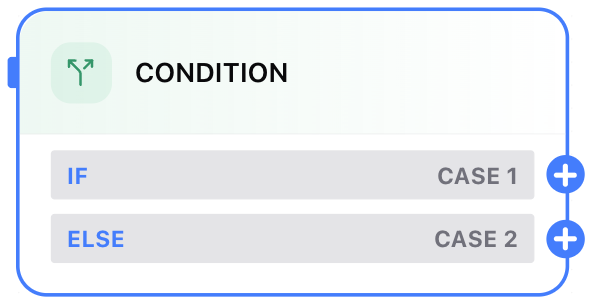
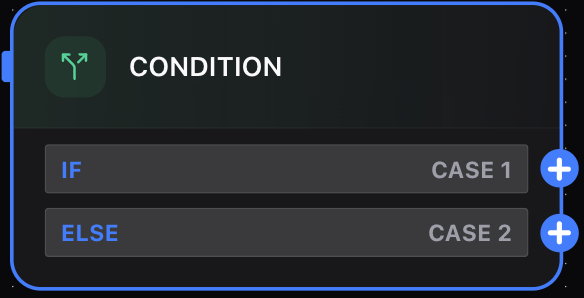
The **Condition Node** is a powerful tool that enables dynamic, decision-based automation in Dume AI workflows. With it, you can introduce branching logic—just like an **if-else statement** in programming—allowing your workflow to respond flexibly to varying inputs, data, or AI outputs.
## What Is the Condition Node?
The Condition Node evaluates one or more user-defined conditions. Based on the outcome (True/False), it routes the workflow down different paths, ensuring that each case receives the precise treatment it requires. This capability is essential for building intelligent, context-aware automation.
# Condition Node in Dume AI Workflows
The **Condition Node** is a powerful tool that enables dynamic, decision-based automation in Dume AI workflows. With it, you can introduce branching logic—just like an **if-else statement** in programming—allowing your workflow to respond flexibly to varying inputs, data, or AI outputs.
## What Is the Condition Node?
The Condition Node evaluates one or more user-defined conditions. Based on the outcome (True/False), it routes the workflow down different paths, ensuring that each case receives the precise treatment it requires. This capability is essential for building intelligent, context-aware automation.
 ## How the Condition Node Works
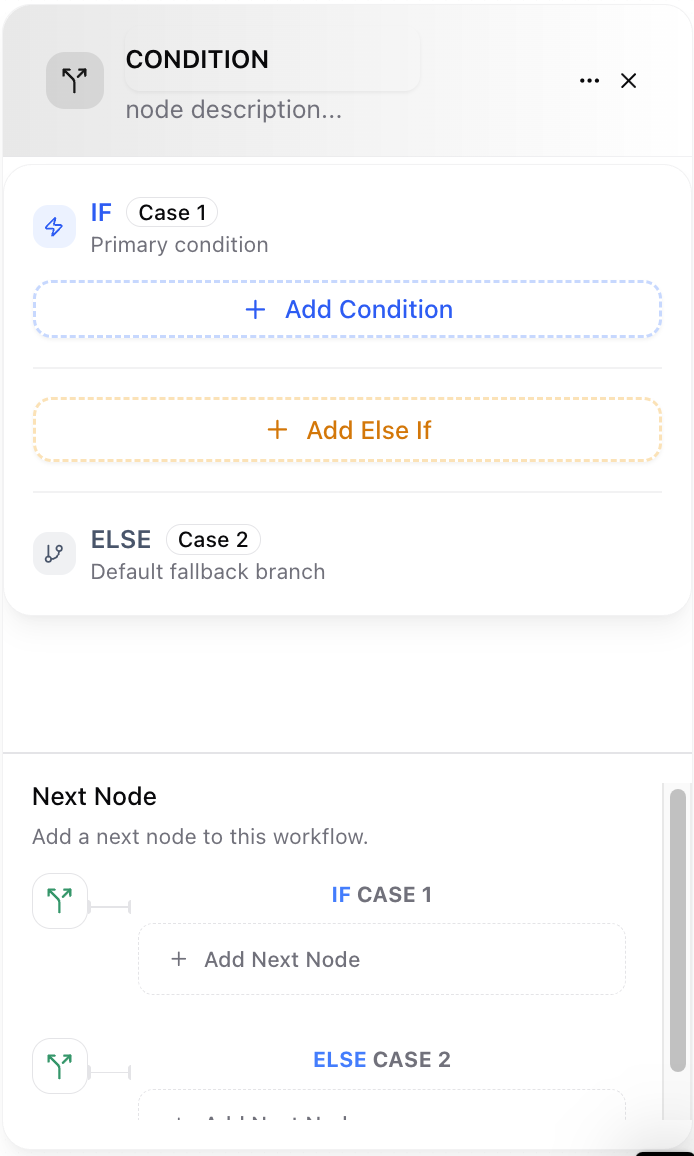
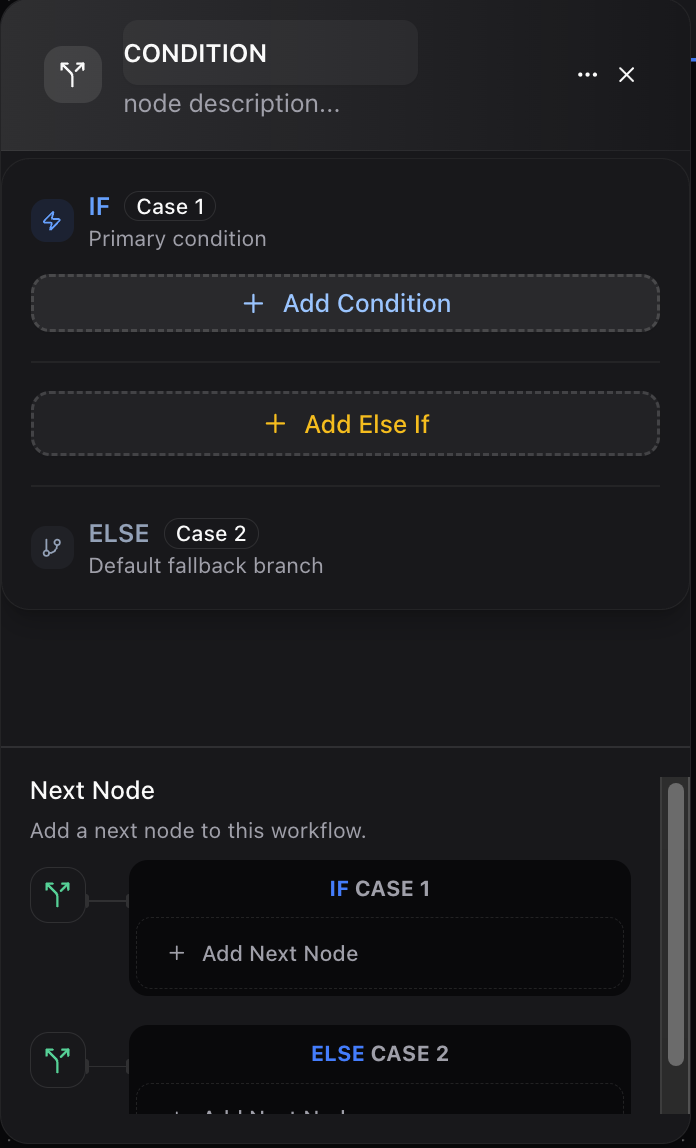
* **Input:** Receives data from previous nodes (inputs, AI results, HTTP responses, etc.)
* **Condition Section:** Define your logical rules (equality, comparison, containment, etc.).
* **Branches:** Two main branches:
* **IF (True):** Executes when the conditions are met.
* **ELSE (False):** Executes when conditions are not met.
* **Subsequent Nodes:** Each branch can lead to further nodes (actions, tools, or outputs).
## Setting Up a Condition Node: Step-by-Step
## 1. Add the Condition Node
* Add the **Condition Node** into your workflow from the from the previous node.
## 2. Configure Your Conditions
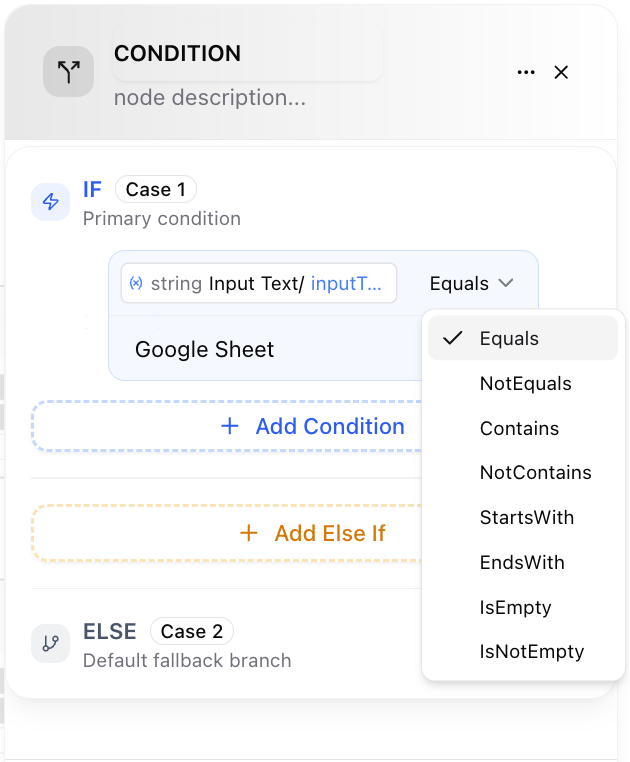
* Click the node to open its configuration panel.
* Add one or more condition clauses.
* Select the operators (*equals*, *greater than*, *contains*, etc.).
* Reference previous node outputs for dynamic workflow logic.
* Example: Check if `INPUT/priority` *equals* `"High"`.
## How the Condition Node Works
* **Input:** Receives data from previous nodes (inputs, AI results, HTTP responses, etc.)
* **Condition Section:** Define your logical rules (equality, comparison, containment, etc.).
* **Branches:** Two main branches:
* **IF (True):** Executes when the conditions are met.
* **ELSE (False):** Executes when conditions are not met.
* **Subsequent Nodes:** Each branch can lead to further nodes (actions, tools, or outputs).
## Setting Up a Condition Node: Step-by-Step
## 1. Add the Condition Node
* Add the **Condition Node** into your workflow from the from the previous node.
## 2. Configure Your Conditions
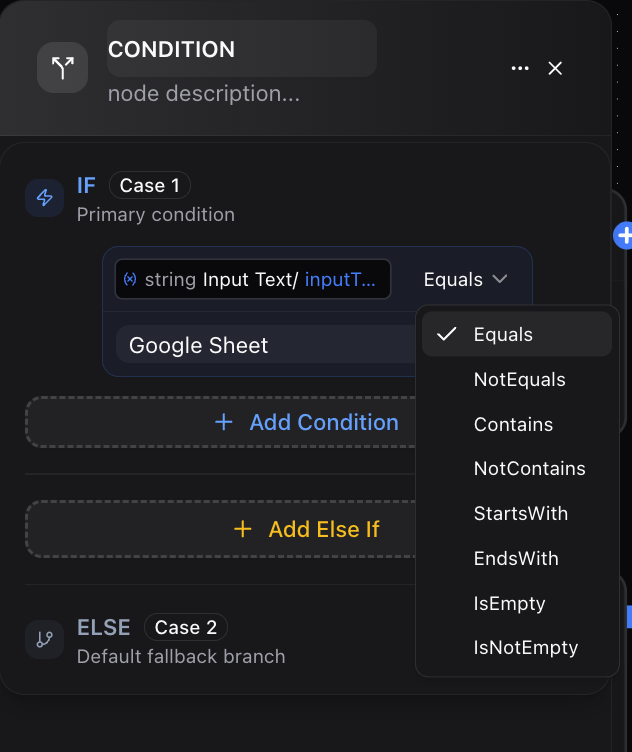
* Click the node to open its configuration panel.
* Add one or more condition clauses.
* Select the operators (*equals*, *greater than*, *contains*, etc.).
* Reference previous node outputs for dynamic workflow logic.
* Example: Check if `INPUT/priority` *equals* `"High"`.
 ## 3. Combine Multiple Conditions
* Add multiple conditions using **AND**/**OR** logic for complex scenarios.
* Example: (priority == "High" AND department == "Marketing")
## 4. Define Outcomes
* **If path:** What happens if all conditions are true?
* **Else path:** What happens if any condition fails?
## 5. Add Next Steps
* Each branch can link to further action nodes, LLMs, Outputs, APIs, etc.
## Operators & Supported Logic
| **Type** | **Operators** | **Example** |
| :------- | :------------------------------------------------------------------------------------------------- | :-------------------------- |
| Text | equals, does not equal, contains, does not contain, starts with, ends with, is empty, is not empty | `username contains "admin"` |
| Numeric | equal to, not equal to, greater than, less than, greater than or equal to, less than or equal to | `balance > 1000` |
| Boolean | is true, is false | `is_active is true` |
| General | exists, does not exist | `orderId exists` |
## Real-World Example
## Scenario: Task Escalation Workflow
1. **Input Node:** Receives an incoming support ticket with priority and category.
2. **Condition Node Setup:**
* *Condition 1:* `priority` equals `"High"`
* *Action - IF path:* Route ticket to Senior Support
* *Action - ELSE path:* Route ticket to Standard Queue
**Workflow Visualization Example:**
* If `priority` is "High", the ticket is escalated.
* Otherwise, it goes to the default support queue.
## Advanced Usage Tips
* **Multiple Nested Conditions:** You can chain Condition nodes for multi-level decision trees.
* **Dynamic Data:** Use data from LLM output, API responses, or user input.
* **AND/OR Logic:** Build granular business logic matching real-world needs.
* **Documentation:** Use the Note Node alongside Condition nodes to clarify logic for your team.
By mastering the Condition Node, you unlock the ability to build sophisticated, responsive workflows that can adapt to any scenario. This makes your Dume AI automations both smarter and more reliable.
## 3. Combine Multiple Conditions
* Add multiple conditions using **AND**/**OR** logic for complex scenarios.
* Example: (priority == "High" AND department == "Marketing")
## 4. Define Outcomes
* **If path:** What happens if all conditions are true?
* **Else path:** What happens if any condition fails?
## 5. Add Next Steps
* Each branch can link to further action nodes, LLMs, Outputs, APIs, etc.
## Operators & Supported Logic
| **Type** | **Operators** | **Example** |
| :------- | :------------------------------------------------------------------------------------------------- | :-------------------------- |
| Text | equals, does not equal, contains, does not contain, starts with, ends with, is empty, is not empty | `username contains "admin"` |
| Numeric | equal to, not equal to, greater than, less than, greater than or equal to, less than or equal to | `balance > 1000` |
| Boolean | is true, is false | `is_active is true` |
| General | exists, does not exist | `orderId exists` |
## Real-World Example
## Scenario: Task Escalation Workflow
1. **Input Node:** Receives an incoming support ticket with priority and category.
2. **Condition Node Setup:**
* *Condition 1:* `priority` equals `"High"`
* *Action - IF path:* Route ticket to Senior Support
* *Action - ELSE path:* Route ticket to Standard Queue
**Workflow Visualization Example:**
* If `priority` is "High", the ticket is escalated.
* Otherwise, it goes to the default support queue.
## Advanced Usage Tips
* **Multiple Nested Conditions:** You can chain Condition nodes for multi-level decision trees.
* **Dynamic Data:** Use data from LLM output, API responses, or user input.
* **AND/OR Logic:** Build granular business logic matching real-world needs.
* **Documentation:** Use the Note Node alongside Condition nodes to clarify logic for your team.
By mastering the Condition Node, you unlock the ability to build sophisticated, responsive workflows that can adapt to any scenario. This makes your Dume AI automations both smarter and more reliable.